
Disclosure: This article is published by Datamagnet. Vendor claims are self-reported unless otherwise noted.
How to Build Waterfall Enrichment: A 2026 Step-by-Step Guide
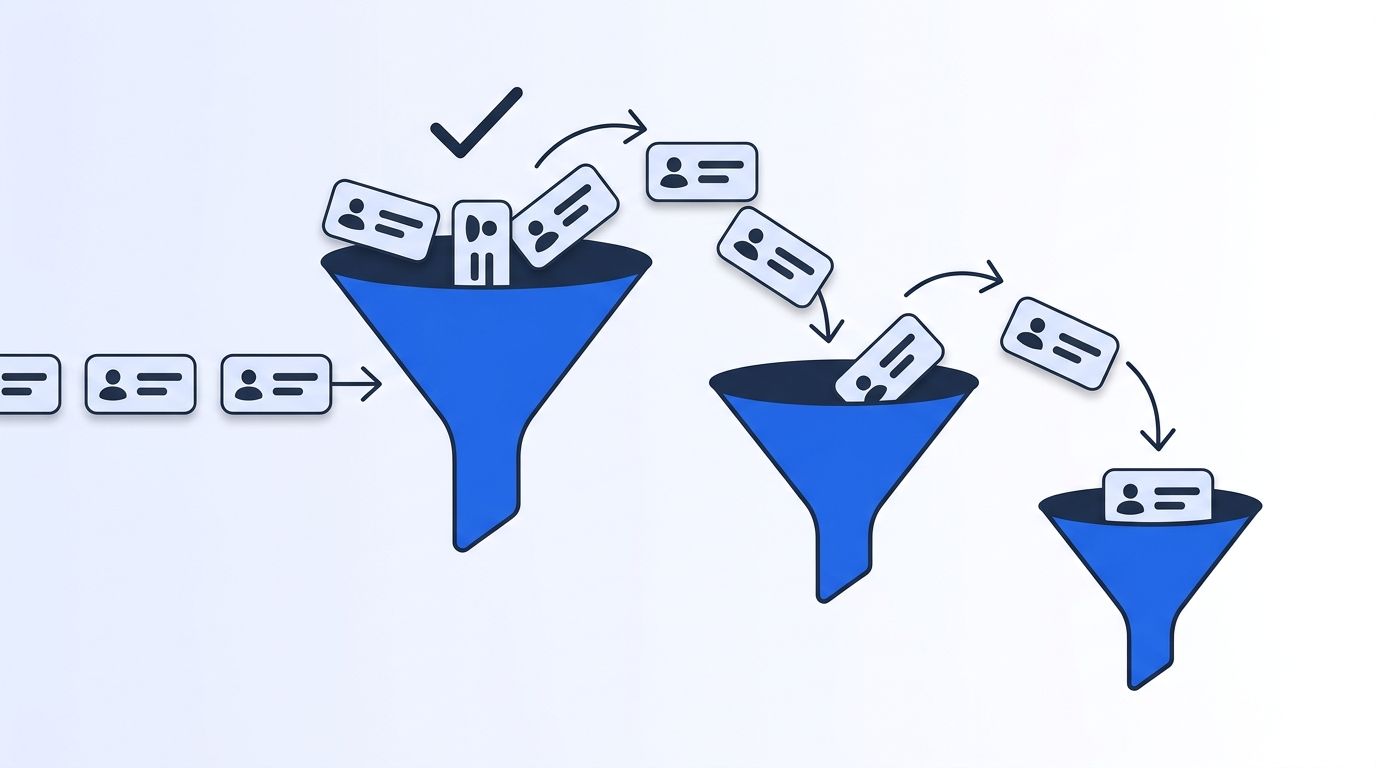
In 2026, Clay's own benchmark of a multi-vendor fallback chain found contact coverage jump from roughly 30% with a single enrichment provider to over 80% once a waterfall kicked in (Clay, Data Waterfalls: Maximize Contact Coverage in 2026, 2026). If you've ever paid a premium vendor for a bulk pull and still watched a third of the list come back empty, you know that gap firsthand.
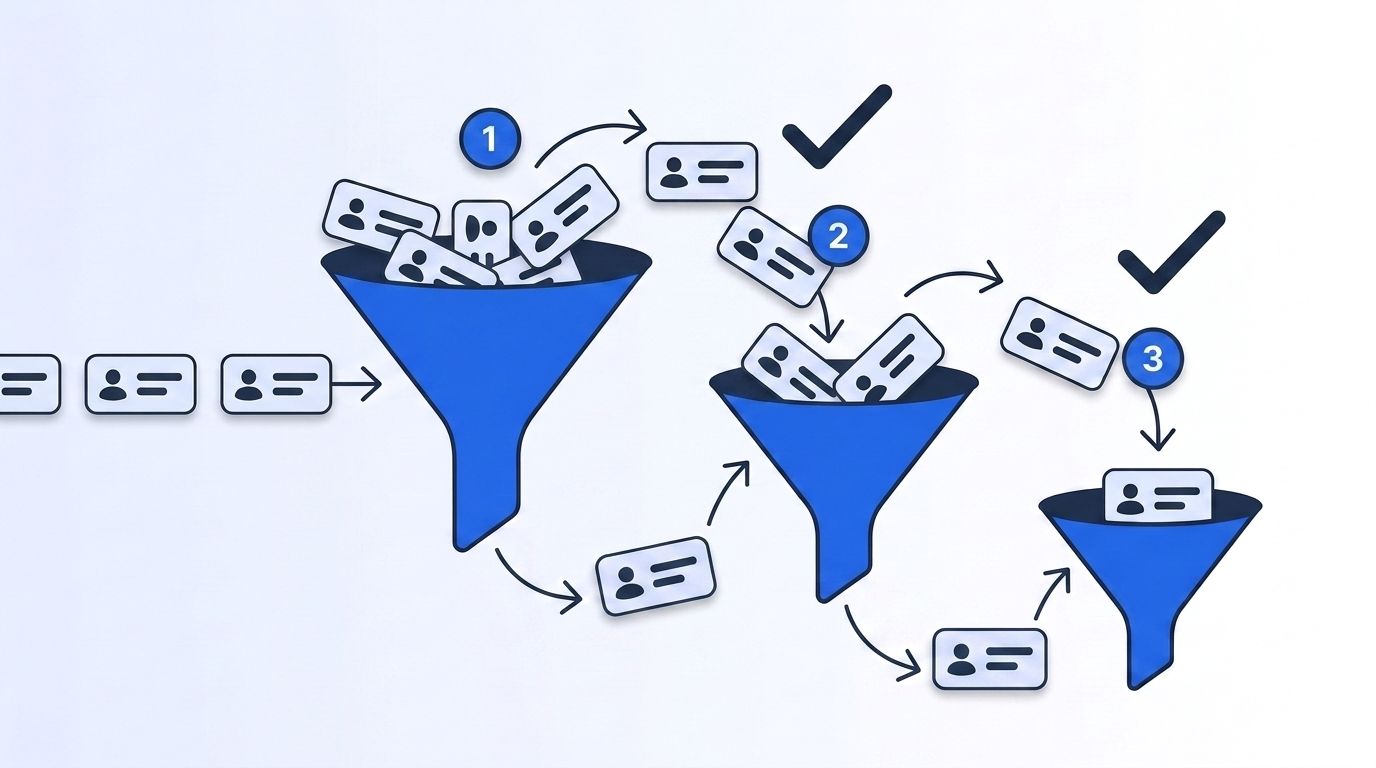
We've run that exact experiment on our own outbound lists more than once — one vendor first, whatever it misses gets passed to the next. The pattern repeats every time: the first source is never enough, and paying it to re-attempt records it already failed on is money down the drain.
This guide walks through building a waterfall enrichment stack step by step — how to rank vendors, set fallout thresholds, wire the logic, and cap spend so a 3+ vendor chain raises your match rate without multiplying your bill by the number of vendors. For the underlying concepts, see our guide on programmatic CRM enrichment before diving in.
Key Takeaways
- A single enrichment vendor typically resolves ~30% of a contact list; a 3-5 vendor waterfall pushes that past 80% (Clay, 2026).
- Order vendors by cost and confidence, not alphabetically — cheapest, highest-confidence source first, expensive specialists last.
- Set a fallout threshold so a record only cascades to the next vendor when the current one truly can't resolve it.
- Cap total spend per record with a circuit breaker, or a "cheap-first" waterfall quietly turns into your most expensive vendor stack.
- Re-rank the chain periodically — vendor match rates decay as their underlying data ages, same as your CRM.
What Do You Need Before You Start a Waterfall Build?
Waterfall enrichment isn't a single API call — it's an orchestration layer sitting in front of several vendors, so get these pieces in place first. Back in 2016, IBM research (cited by Harvard Business Review) put the cost of bad data at $3.1 trillion a year for the US economy — a figure the industry still quotes because nobody has repeated the study at that scale since (Harvard Business Review, Bad Data Costs the U.S. $3 Trillion Per Year, 2016). A waterfall is one of the more direct ways a GTM team can chip away at that cost per record.
What you'll need:
- Access to at least 3 enrichment vendors (a mix of real-time APIs and batch/database providers works best)
- A workflow tool or script runner that can branch on a response (Clay, n8n, a Python job, or a custom queue)
- Baseline match-rate and cost data for whichever vendor you use today
- Basic familiarity with API authentication and JSON response parsing
- Time: ~2-3 hours to design and wire the first version
- Difficulty: Intermediate
If you're new to programmatic enrichment concepts, our quickstart guide covers authentication and your first request in a few minutes.
Step 1: What's Your Current Match Rate and Cost Baseline?
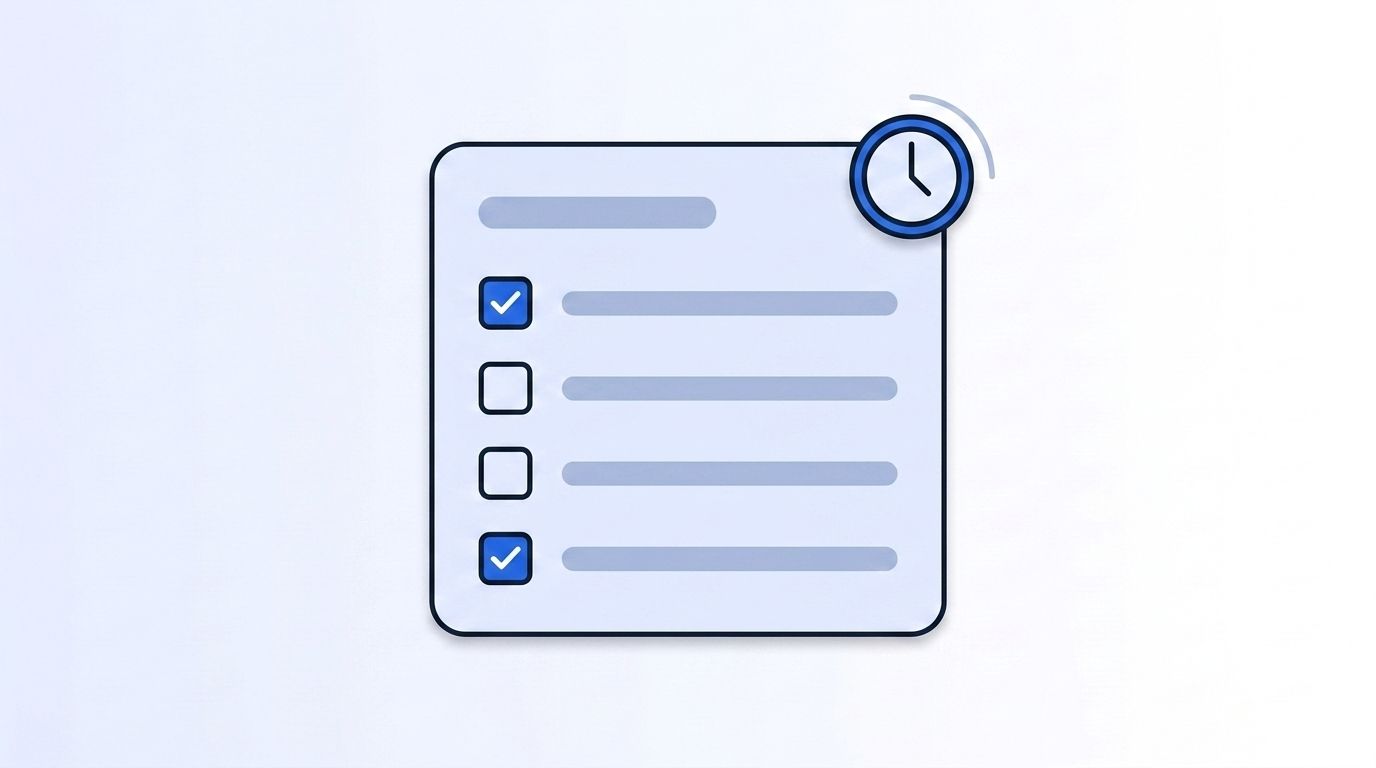
By the end of this step, you'll know exactly what your existing single-vendor setup costs per resolved record — the number every waterfall decision gets measured against. You can't prove a waterfall is worth the added complexity without a baseline, so pull a sample of 500-1,000 recent contacts and record what your current vendor actually resolved versus what it silently returned empty.
- Export a random sample of contacts your current vendor processed in the last 30 days
- Calculate match rate: matched records ÷ total records submitted
- Calculate blended cost per matched record: total spend ÷ matched records (not total records — this is the number that inflates when match rate is low)
- Note which fields fail most often (direct email, mobile, verified title) — these become your fallout triggers later
When we ran this audit against a 5,000-contact outbound list, a single vendor resolved 61% of records at a blended cost that looked reasonable on paper — until we recalculated cost per matched record and it was nearly double the sticker price, because we were still paying for the 39% that came back empty.
Verify this step by confirming your match rate and blended cost are both written down before moving on — you'll compare against them after Step 6.
Step 2: How Do You Rank Vendors Into a Waterfall Order?
By the end of this step, you'll have an ordered list of 3-5 vendors, cheapest and highest-confidence first, most expensive specialist last. The order is the entire strategy: put your cheapest, broadest-coverage source first so it absorbs the bulk of easy matches, and reserve your priciest, highest-accuracy vendor for the records everyone else missed.
- List every candidate vendor with its per-record cost and its typical match rate for your ICP
- Rank ascending by cost-per-attempt, then break ties by confidence/freshness
- Put real-time, request-time sources (like a live LinkedIn data API) ahead of static batch databases when freshness matters — stale batch data will happily return a match that's two jobs out of date
- Cap the chain at 3-5 vendors; each additional hop adds latency and diminishing returns
The single most important rule: never rank purely by sticker price. A $0.02 vendor with a 15% match rate against your ICP is more expensive per resolved record than a $0.08 vendor at 55%.
Step 3: How Do You Set Confidence Thresholds and Fallout Rules?
By the end of this step, records only advance to the next vendor when the current one genuinely can't resolve them, not every time a field comes back thin. Without a threshold, a "waterfall" is just calling every vendor for every record, which torches the cost savings the whole approach is supposed to deliver.
- Define what counts as a "resolved" record per field (verified email vs. pattern-guessed email are not the same confidence tier)
- Set a minimum confidence score per vendor's response; anything below it triggers fallout to the next vendor
- Only cascade the missing fields, not the whole record, if a vendor partially resolves a contact
- Log every fallout decision — you'll need this data to re-rank vendors later in Step 6
Step 4: How Do You Wire the Fallback Logic?
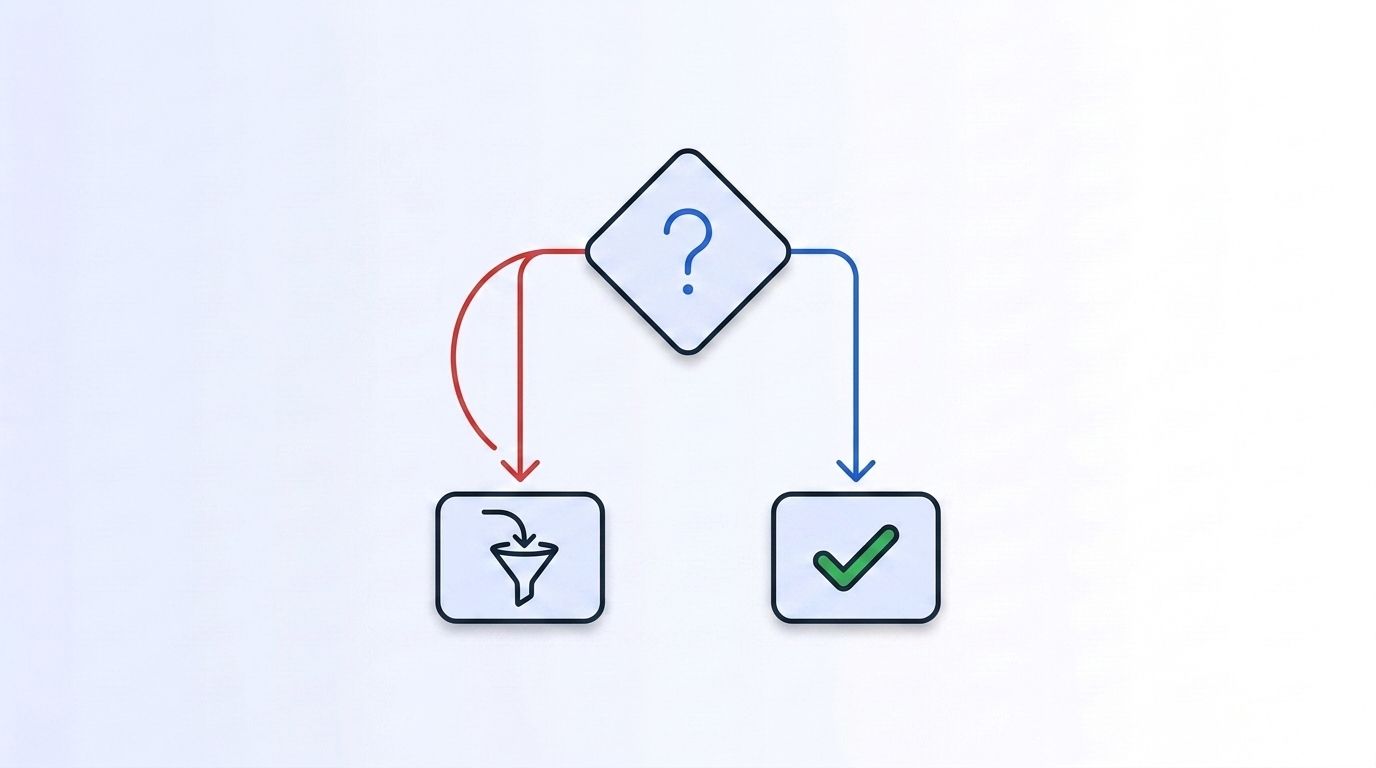
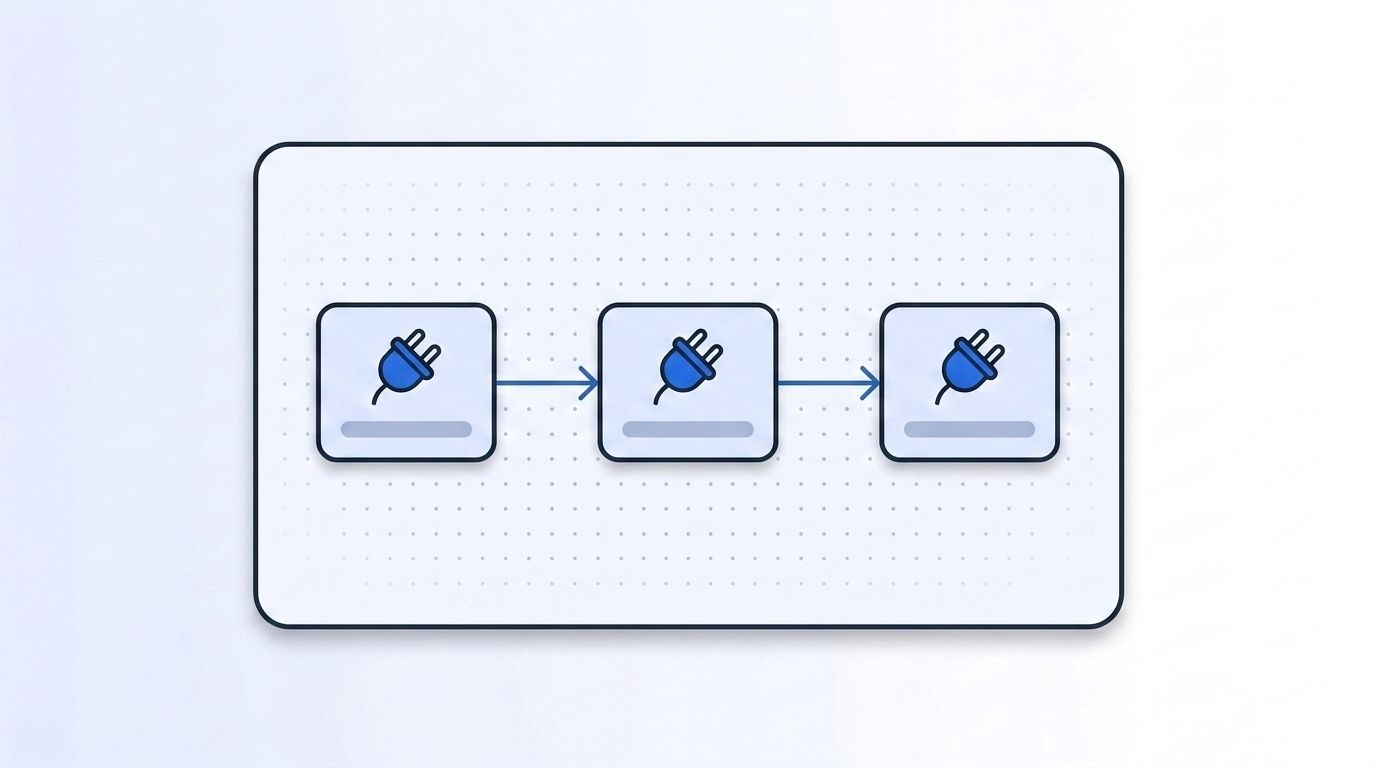
By the end of this step, you'll have a working chain that calls Vendor 1, checks the result against your threshold, and only calls Vendor 2 for records that failed. This is where the waterfall becomes a system instead of a spreadsheet: whether you're using a visual workflow tool or writing the orchestration yourself, the logic is the same, sequential calls, gated by confidence, with the response merged into one record.
- Build (or configure) a job that submits the full contact list to Vendor 1 first
- Filter out anything above your Step 3 threshold — those records are done
- Submit only the remaining, unresolved records to Vendor 2, then repeat the filter
- Merge every vendor's contribution into a single enriched record, tagging which vendor supplied each field
Use a real-time API for at least one position in the chain, ideally an early one, so freshness doesn't get sacrificed for match rate. Datamagnet's People Profile endpoint and Company Profile endpoint fetch structured LinkedIn data live at request time, which is a useful complement to static batch vendors further down the chain. If you're prototyping the chain in Clay, our Clay integration drops in as an HTTP enrichment column without custom code.
Step 5: How Do You Cap Spend Per Record With a Circuit Breaker?
By the end of this step, no single contact can cost more than a ceiling you set, no matter how many vendors it cascades through. [UNIQUE INSIGHT] The failure mode nobody warns you about isn't overspending across the whole list — it's the small subset of genuinely hard-to-match records that cascade through every single vendor in the chain and rack up the full combined cost, five or six times over, for contacts that were never going to resolve anyway. A ceiling per record is what keeps that subset from quietly draining the budget you set aside for the rest of the list.
- Set a maximum dollar (or credit) ceiling per individual record before it enters the waterfall
- Track running spend per record as it cascades through vendors
- Stop the chain automatically once the ceiling is hit, and route the record to manual review or a "give up" bucket instead of the next vendor
- Review the give-up bucket monthly — a growing bucket signals a data-quality gap, not just hard records
Rising API downtime is another reason a hard cap matters: in 2025, Uptrends' State of API Reliability report, based on more than 2 billion monitoring checks across 400+ companies, found average API uptime slipped from 99.66% in Q1 2024 to 99.46% in Q1 2025 — a 60% jump in downtime (Uptrends, The State of API Reliability, 2025). A chain with no spend cap and no timeout handling can hang, or silently retry, a failing vendor at cost.
Step 6: How Do You Monitor, Dedupe, and Re-Rank the Chain?
By the end of this step, you'll have a recurring process that keeps the waterfall's vendor order matched to reality instead of the assumptions you made on day one. A waterfall built once and never touched again slowly gets worse, because vendor match rates aren't static, they shift as each provider's underlying data ages or improves.
- Pull your fallout logs from Step 3 monthly and recalculate each vendor's real match rate against your actual ICP
- Re-rank the chain if a vendor's position no longer reflects its cost-to-match ratio
- Deduplicate: confirm you're not re-querying a vendor for a field another vendor in the chain already resolved
- Compare blended cost per matched record against your Step 1 baseline
In 2026, ZoomInfo's GTM Intelligence Report found the average B2B go-to-market team already relies on 23 separate vendors just to keep contact and account data current (ZoomInfo, GTM Tech Stack: Components, Tools & Best Practices, 2026). A well-maintained waterfall doesn't add a 24th vendor to that sprawl — it consolidates 3-5 of them into one governed, monitored process.
What Common Mistakes Should You Avoid?
Most waterfall builds don't fail on vendor selection — they fail on the orchestration details around it. The five mistakes below account for nearly every broken or overpriced waterfall we've seen, and each one ties back to a step covered earlier: fallout thresholds, spend caps, or field-level cascading. Get these details right and the vendor selection part takes care of itself.
1. Ordering vendors by price alone. It's the most obvious approach and the most common mistake. A cheap vendor with a low match rate for your specific ICP costs more per resolved record than a pricier, more accurate one — always calculate cost-per-match before ranking, not cost-per-attempt.
2. Skipping the fallout threshold entirely. Without a defined confidence bar, teams either call every vendor for every record (expensive) or accept the first vendor's answer even when it's a low-confidence guess (inaccurate). Define "resolved" precisely before you wire anything.
3. Re-querying fields that are already resolved. [UNIQUE INSIGHT] We've seen waterfalls that pass the entire record to every vendor in the chain instead of just the missing fields — paying full price to re-verify an email a earlier vendor already confirmed. Cascade only what's missing.
4. No spend ceiling per record. As covered in Step 5, a handful of stubborn records can quietly consume five vendors' worth of cost. A circuit breaker isn't optional once you're past 3 vendors.
5. Never revisiting the vendor order. Teams set the ranking once at launch and never touch it again, even as vendor accuracy shifts. Treat the order as a living config, reviewed on the same cadence as your CRM data-quality checks.
What Does Waterfall Enrichment Success Look Like?
If you've followed all six steps, you should now see a contact match rate meaningfully above your single-vendor baseline, with blended cost per matched record flat or lower, not simply multiplied by the number of vendors you added. Concretely, that means an overall match rate in the 75-90% range for a well-chosen 3-5 vendor chain (versus roughly 30-60% for a single source), a fallout log showing most records resolving in the first one or two vendors, and a give-up bucket small enough to review by hand each month.
The chart below shows why the monitoring step in Step 6 matters long-term: contact data degrades on its own, independent of your vendor stack, so any waterfall needs periodic re-tuning just to hold its match rate steady.
Once your chain is stable, the natural next step is layering in real-time job-change signals so re-enrichment triggers automatically when a contact moves companies, instead of waiting for the next scheduled batch run.
Frequently Asked Questions
These five questions cover what comes up most when GTM teams scope a waterfall build: how many vendors to chain, whether a workflow tool like Clay is required, what happens when a vendor's API fails mid-chain, how to keep costs from spiraling as you add vendors, and whether real-time enrichment is worth the extra step over batch data alone.
How many vendors should a waterfall enrichment chain include?
Most teams see the best return with 3-5 vendors. Fewer than 3 rarely improves on a single source enough to justify the added complexity, while beyond 5 the returns diminish fast — Clay's 2026 benchmark found the biggest coverage jump, from roughly 30% to over 80%, happened within the first five vendors in the chain.
Can I build a waterfall without a workflow tool like Clay?
Yes. A waterfall is just sequential API calls with a confidence check between them, so a scheduled script or a simple queue-based job works fine. Workflow tools like Clay or n8n mainly save you the orchestration code and give you a visual audit trail of where each record fell out.
What if a vendor's API goes down mid-waterfall?
Set a timeout and treat a non-response the same as a low-confidence result — fall out to the next vendor rather than blocking the whole batch. In 2025, Uptrends reported average API uptime had already slipped to 99.46%, so timeout handling isn't an edge case; it's a routine part of running any multi-vendor chain.
How do I keep waterfall costs from spiraling as I add more vendors?
Rank strictly by cost-per-match rather than cost-per-attempt, cascade only unresolved fields instead of whole records, and set a hard spend ceiling per record as described in Step 5. Those three controls are what keep a 5-vendor chain cheaper per resolved record than a single expensive vendor, not more expensive.
Is real-time enrichment necessary in a waterfall, or is batch data enough?
Batch data is fine for stable fields like company name or industry, but anything tied to a person's current role decays fast — HubSpot's decay model puts contact accuracy at roughly 2.1% lost per month. Placing at least one real-time API early in the chain protects the fields most likely to go stale between batch refreshes.
Wrapping Up
You've now got a working waterfall: vendors ranked by cost and confidence, fallout thresholds gating each hop, a spend ceiling stopping runaway costs, and a monthly re-ranking habit keeping it tuned. That combination is what turns a 30% single-vendor match rate into 80%+ coverage without paying full price for every vendor on every record.
Start with three vendors, log every fallout decision from day one, and resist the urge to add a fourth or fifth vendor until you've actually measured where the first three fall short. For deeper reading, see our guides on real-time B2B people enrichment and Datamagnet vs. Clearbit if you're evaluating which vendor should anchor the front of your chain.
Sources
The statistics, benchmarks, and claims cited throughout this guide draw on the primary sources listed below, spanning vendor benchmark data, industry reliability reports, and academic research on data quality costs, included here so you can verify any figure or dig into the original methodology yourself.
- Clay, Data Waterfalls: Maximize Contact Coverage in 2026, retrieved 2026-07-21, https://www.clay.com/blog/data-waterfalls
- ZoomInfo, GTM Tech Stack: Components, Tools & Best Practices 2026, retrieved 2026-07-21, https://pipeline.zoominfo.com/sales/gtm-tech-stack
- TechCrunch, Clay confirms it closed $100M round at $3.1B valuation, August 2025, retrieved 2026-07-21, https://techcrunch.com/2025/08/05/clay-confirms-it-closed-100m-round-at-3-1b-valuation/
- Uptrends, The State of API Reliability 2025, retrieved 2026-07-21, https://www.uptrends.com/state-of-api-reliability-2025
- HubSpot, Database Decay Simulation (MarketingSherpa methodology), retrieved 2026-07-21, https://www.hubspot.com/database-decay
- Harvard Business Review, Bad Data Costs the U.S. $3 Trillion Per Year, September 2016, retrieved 2026-07-21, https://hbr.org/2016/09/bad-data-costs-the-u-s-3-trillion-per-year
