
Disclosure: This article is published by Datamagnet. Product capabilities described below are based on public documentation, retrieved 2026-08-17.
How to Spot a Flight-Risk Employee Before They Update Their LinkedIn
By the time a candidate posts "Open to Work," three other recruiters have already found them. In 2026, the U.S. quits rate held at 2.0% - about 3.2 million people voluntarily leaving a job in a single month (U.S. Bureau of Labor Statistics, JOLTS, June 2026 data). Almost none of them announced it first.
This guide walks through six behavioral signals you can track before a candidate goes public, how to automate the monitoring so you're not refreshing profiles by hand, and how to move fast enough to actually win the conversation once you spot one. It's built around the same real-time people data that GTM and recruiting teams already use to track job changes as they happen, not weeks later.
TL;DR
- Global employee engagement fell to 20% in 2025, the lowest level since 2020 and the second straight year of decline (Gallup, State of the Global Workplace 2026) - a macro backdrop that makes flight risk more common, not less.
- Median employee tenure dropped to 3.9 years, the lowest figure since 2002 (U.S. Bureau of Labor Statistics, Employee Tenure Summary).
- Behavioral signals - engagement pattern shifts, quiet profile edits, team-level disengagement - show up weeks before a public status change.
- Engineering and technical roles take a median 62 days to fill, the slowest of any function tracked (Gem, 2026 Recruiting Benchmarks Report), which means a two-week head start is a real competitive edge.
- Manual profile checks don't scale. Automated signals and webhooks turn flight-risk detection into a background process instead of a Tuesday-afternoon chore.
What Do You Need Before You Start?
You don't need a data science team to run this - you need a way to watch activity continuously instead of checking profiles one at a time. This setup pulls together a tracked list of people worth watching, a live data source for current activity, and a place for alerts to land, so flight-risk detection runs as a background process instead of a recurring task you have to remember.
What you'll need:
- A shortlist of people worth tracking (past applicants, competitor employees, silver-medalist candidates, or a target account's team)
- Access to a real-time people data source that returns current activity, not a cached snapshot
- A way to route alerts somewhere your team actually looks (Slack, email, or your CRM)
- Time to set up: About 30 minutes for the monitoring layer, then it runs on its own
- Difficulty: Beginner to intermediate
Step 1: How Do You Track Engagement Pattern Shifts, Not Just Job Titles?
By the end of this step, you'll know how to read a change in someone's LinkedIn activity as a signal, instead of waiting for their job title to change. People rarely go from content to job-hunting overnight. What usually shifts first is behavior: how often they post, what they comment on, and whose content they suddenly start engaging with. A sales engineer who never comments on hiring posts and starts liking three a week isn't doing that by accident.
Datamagnet's Person Activity endpoint pulls a member's recent posts, comments, likes, and shares by profile URL, so you can compare a trailing baseline against the last two to four weeks instead of guessing from memory. Layer a Person Engagement Signal on top of specific profiles you're already tracking, and you get notified the moment their activity pattern moves, rather than re-checking manually.
<!-- [PERSONAL EXPERIENCE] -->Watching a tracked list over a full quarter, the pattern that shows up again and again isn't a dramatic post about "new opportunities." It's quieter: someone who posted about their team's product launches every month suddenly goes silent on company content for three weeks straight, while their comment activity on industry accounts ticks up. Silence on the employer's own content is as telling as activity elsewhere.
Verification: You'll know this step worked when you can point to a specific week where a tracked profile's engagement pattern shifted, backed by actual activity data rather than a hunch.
Step 2: Why Watch the Profile, Not Just the "Open to Work" Badge?
By the end of this step, you'll catch small profile edits before anyone sees a public status change. More than 220 million LinkedIn members currently have some version of "Open to Work" turned on (CNBC, January 2025), but a large share of that group keeps it visible to recruiters only, or skips the public badge entirely to avoid tipping off their current manager. Roughly 70% of the global workforce falls into the "passive" bucket at any given time - employed, not browsing job boards, but not closed off either (LinkedIn Talent Solutions, long-running Talent Trends research). The public badge is a lagging indicator, not a leading one.
Citation capsule: A public "Open to Work" badge tells you a candidate is ready to have a conversation today. It doesn't tell you they weren't ready two weeks ago - and by the time it's visible, the recruiters who were already watching have a head start you can't buy back.
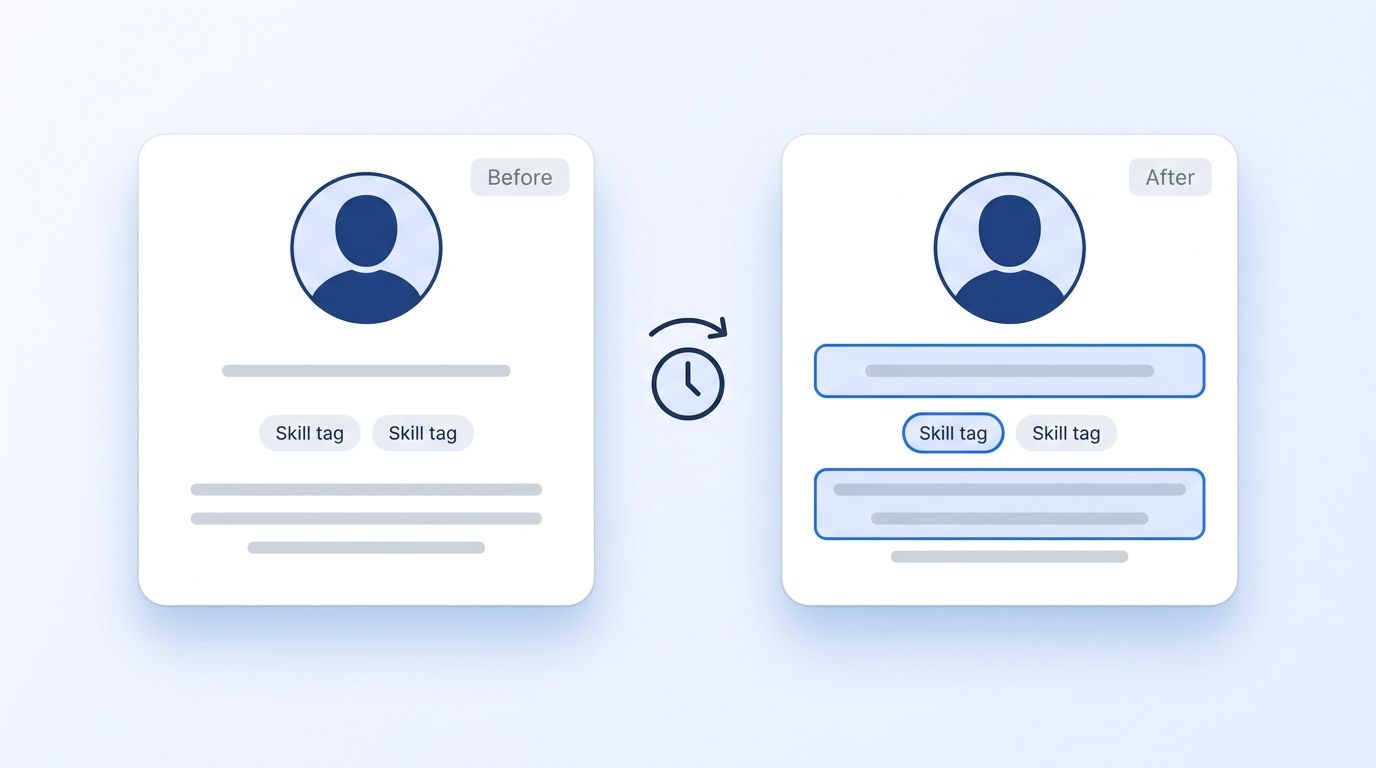
Pull People Profile or check People Search DB on a schedule for your tracked list, and diff the headline, skills, and summary fields between pulls. One edit means nothing. Three small edits inside a month - a reworded headline, two new skills, a summary tweak - is a cluster worth paying attention to.
Step 3: How Do You Read the Team's Weather, Not Just One Person's?
By the end of this step, you'll be able to tell when an entire team - not just one employee - is a better place to source from right now. Manager engagement dropped from 27% to 22% between 2024 and 2025, the steepest year-over-year decline Gallup has recorded, and managers are now barely more engaged than the people they lead (Gallup, State of the Global Workplace 2026). When a manager disengages, that erosion tends to spread through their reports. A team with a checked-out manager is a team where individual flight-risk signals are more likely to be real, not noise.
Use Company Profile to check headcount trends, recent leadership changes, and posted updates for a target account. A company that's gone quiet on hiring wins, lost a wave of senior staff, or shows flat headcount after a funding round is worth a closer look before you spend outreach budget elsewhere.
Step 4: How Do You Automate Real-Time Alerts Instead of Manual Checking?
By the end of this step, you'll stop refreshing LinkedIn tabs and start getting pinged the moment something changes. Checking fifty profiles by hand once a week isn't a system, it's a chore that quietly stops happening the moment your calendar fills up. Automating the check is the single most important thing in this guide.
- Create a signal for each profile or list you're tracking, choosing
person_engagementto watch activity shifts. - Layer a Keyword Engagement Signal using hiring-adjacent terms - "new opportunities," "excited to share," competitor names - so you catch engagement with content your tracked list didn't post themselves.
- Point delivery at a webhook so alerts land directly in Slack or your CRM instead of an inbox nobody checks.
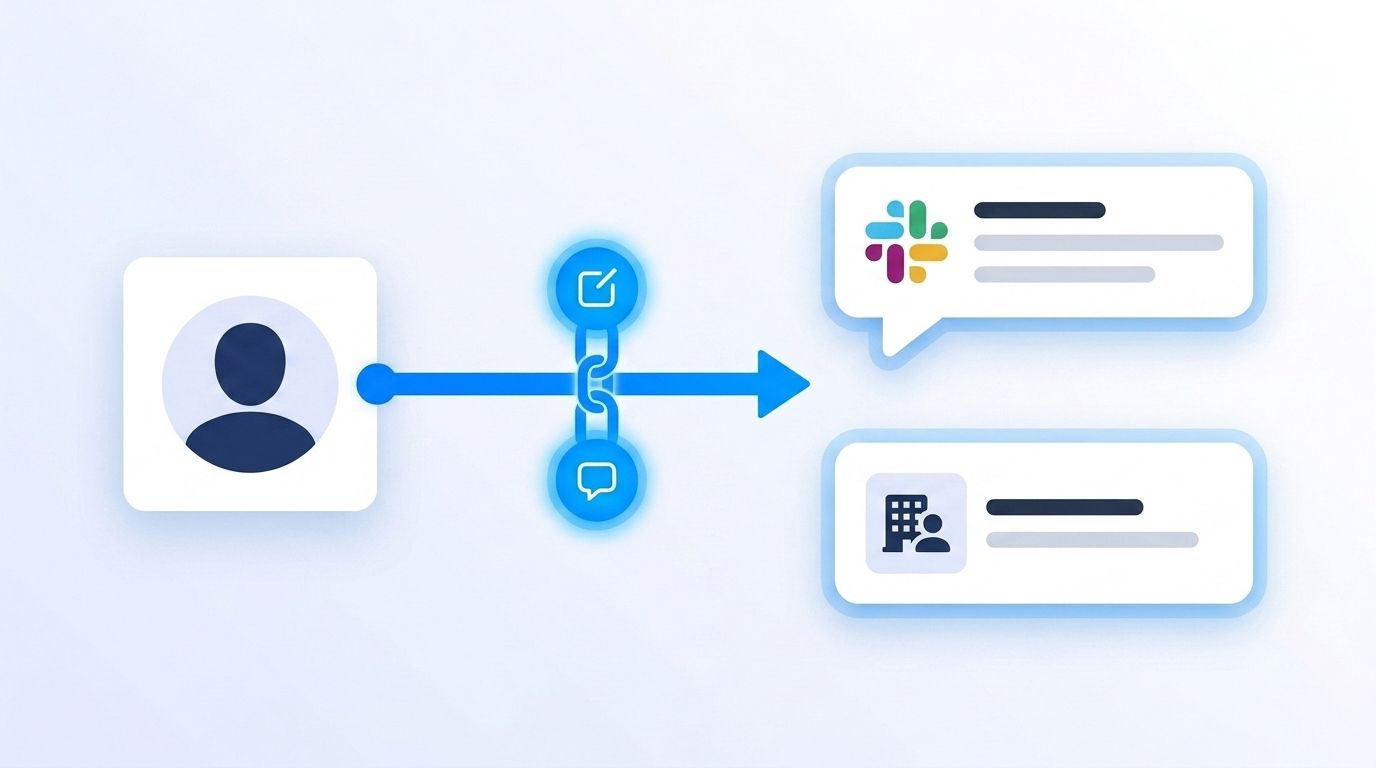
Most teams treat signal monitoring as a research task someone does when they have spare time. That framing guarantees it happens inconsistently. Once alerts route through a webhook, flight-risk detection stops depending on anyone remembering to check - it becomes a property of the system, the same way uptime monitoring runs whether or not someone's watching the dashboard.
Step 5: How Do You Score and Prioritize Instead of Chasing Every Ping?
By the end of this step, you'll spend your outreach time on the candidates who actually fit, not every profile that pinged. An automated signal feed without filters just replaces manual noise with automated noise. Run your tracked list through ICP People Search to filter by job title, seniority, function, and location before a signal ever reaches your team's queue, so a flight-risk alert for someone three levels outside your open roles doesn't eat the same attention as a strong match.
Citation capsule: A signal without a filter is just an alert. Pairing engagement and profile-edit signals with ICP criteria - title, seniority, location, company size - turns a noisy activity feed into a shortlist your team can actually act on the same day it arrives.
Step 6: Why Move Before the Public Signal, Not After?
By the end of this step, you'll understand why speed matters more once you've caught a private signal than it does once a candidate goes public. Median non-executive time-to-fill sits at 39 days in 2026, but engineering and technical roles take a median 62 days - the slowest function tracked (Gem, 2026 Recruiting Benchmarks Report). Every week you spend deciding whether a signal is worth acting on is a week added to that clock.
Some vendor-reported outreach data puts median recruiter reply time in the range of a few days once contact is made (Pin.com, Time-to-Hire Benchmarks 2026 - self-reported, not independently audited). Whatever your actual number is, write your outreach templates before you need them. A signal fires on its own schedule, not yours.
What Common Mistakes Should You Avoid?
The most common mistake is treating "Open to Work" as the trigger instead of the finish line. By the time it's public, competing recruiters who were already watching have a two-to-three week lead you can't recover, no matter how strong the outreach message is once you finally send it.
1. Waiting for the public badge. Teams that only search for "Open to Work" profiles are fishing in the smallest, most contested pool. Fix: build a watch list before anyone declares they're looking.
2. Manually re-checking a spreadsheet of profiles. This works for a week, then quietly stops. Fix: route detection through signals and webhooks so it doesn't depend on anyone's calendar.
3. Chasing every engagement ping regardless of fit. A noisy feed trains your team to ignore it. Fix: filter through ICP criteria before a signal reaches a human.
4. Ignoring team- and company-level context. An individual signal in isolation is weaker than the same signal paired with falling manager engagement or stalled headcount. Fix: check company-level data alongside person-level signals.
5. Having no outreach ready when a signal fires. Scrambling to write a message after the fact wastes the head start you just earned. Fix: keep two or three outreach templates drafted and ready to personalize in minutes.
What Does Success Look Like?
If this is working, you'll have a running list of people your monitoring flagged weeks before they showed any public sign of looking, plus a queue in Slack or your CRM instead of a recurring task on your calendar. The signal did the watching so your team didn't have to check profiles by hand.
The concrete markers: signals arriving automatically without manual checks, a filtered shortlist instead of a raw alert firehose, and outreach going out within a day of a qualified signal rather than a week. From there, the next step is layering in job-change signals so you also catch the moment someone actually lands somewhere new, closing the loop on the same list you've been watching.
Frequently Asked Questions
The five questions below cover the most common objections recruiters raise about flight-risk monitoring: how early the signals show up, whether tracking public LinkedIn activity is appropriate, how it differs from searching "Open to Work" profiles directly, whether it requires engineering support, and how quickly to act once a signal fires.
What's the earliest sign someone might be about to leave their job?
A shift in engagement pattern - going quiet on their employer's content while ramping up activity on hiring-adjacent posts - usually shows up before any profile edit. Falling engagement is common across the workforce right now: global engagement sits at 20%, the lowest level since 2020 (Gallup, 2026), so this pattern is easier to spot than ever if you're tracking activity data instead of relying on memory.
Is tracking someone's LinkedIn activity for sourcing purposes okay?
Datamagnet's data comes from public LinkedIn activity, not private messages or non-public account details, and security and data practices cover how that data is collected and handled. Review your own company's compliance requirements before scaling any monitoring workflow, since obligations vary by jurisdiction and use case.
How is this different from just searching for "Open to Work" candidates?
"Open to Work" only captures the roughly 220 million members who've turned it on, many of whom limit visibility to recruiters only (CNBC, 2025). Behavioral signals - engagement shifts, profile edits, team-level disengagement - reach the much larger passive population, roughly 70% of the workforce, that never turns the badge on at all.
Can I set this up without an engineering team?
Mostly, yes. Signals and webhooks handle the monitoring and delivery without custom scraping. If your team already works in a no-code tool, Datamagnet's Clay integration can pull live person data straight into your existing enrichment tables instead of requiring a standalone build.
How fast should I reach out once I spot a flight-risk signal?
As fast as your process allows - ideally within a day. Engineering and technical roles already take a median 62 days to fill (Gem, 2026), so every day spent deciding whether to act on a signal adds directly to a timeline that's already the longest of any function tracked.
Start Tracking the Signals Before the Badge Goes Up
Flight risk shows up in behavior weeks before it shows up in a status update: engagement pattern shifts, quiet profile edits, a manager's disengagement spreading through a team. Automate the watch with signals and webhooks, filter with ICP criteria so your team acts on fit instead of noise, and have outreach ready before a signal fires - not after. See how real-time people and job-change signals work and check it against your own tracked list this week. For a broader view of how recruiting teams are using live data to move faster, visit Datamagnet's recruiting intelligence page.
Sources
The statistics and figures cited throughout this guide come from the following primary sources, all retrieved 2026-08-17. Check the original reports directly if you want to verify a specific data point or explore the full methodology behind any figure referenced above.
- U.S. Bureau of Labor Statistics, Job Openings and Labor Turnover Survey (JOLTS), June 2026 results, retrieved 2026-08-17, https://www.bls.gov/news.release/jolts.nr0.htm
- U.S. Bureau of Labor Statistics, Employee Tenure Summary, retrieved 2026-08-17, https://www.bls.gov/news.release/archives/tenure_09262024.htm
- Gallup, State of the Global Workplace 2026, retrieved 2026-08-17, https://www.gallup.com/workplace/349484/state-of-the-global-workplace.aspx
- SHRM, 2026 Recruiting Executives Benchmarking Report, retrieved 2026-08-17, https://www.shrm.org/topics-tools/research/recruiting-benchmarking
- Gem, 2026 Recruiting Benchmarks Report, retrieved 2026-08-17, https://www.gem.com/resource/recruiting-benchmarks
- CNBC, "On LinkedIn, 220 million people are 'open to work,'" retrieved 2026-08-17, https://www.cnbc.com/2025/01/23/recruiters-weigh-in-if-linkedins-open-to-work-feature-helps-or-hurts.html
- LinkedIn Talent Solutions, Recruiting Passive Candidates, retrieved 2026-08-17, https://business.linkedin.com/talent-solutions/resources/talent-acquisition/recruiting-passive-candidates
- Pin.com, Time-to-Hire Benchmarks 2026, retrieved 2026-08-17, https://www.pin.com/blog/time-to-reply-interview-benchmarks/
- Datamagnet, Person Activity endpoint, retrieved 2026-08-17, https://docs.datamagnet.co/api-reference/endpoints/people-activity
- Datamagnet, Webhooks, retrieved 2026-08-17, https://docs.datamagnet.co/api-reference/webhooks
