
Disclosure: This article is published by Datamagnet. Vendor claims are self-reported unless otherwise noted.
Passive Candidate Signals: What to Track Beyond "Open to Work" in 2026
Only 22.6% of U.S. workers describe themselves as actively looking for a new job, down from 33.4% in 2021 — the other 51.1% call themselves "passively open" (Workable, 2023). If your sourcing strategy waits for the green "Open to Work" ring, you're fishing in a shrinking pond. This guide walks through the signals that actually predict when a passive candidate is ready to talk — before they ever flip that badge on.
Key Takeaways
- Only 22.6% of workers are actively job hunting; 51.1% call themselves passively open, up from 37.3% in 2021 (Workable, 2023).
- In 2026, just 31% of recruiting functions use labor market data to shape talent strategy (Gartner, 2026) — a wide gap most teams can close with signal tracking.
- LinkedIn's own InMail data shows personalized, timely outreach built on real signals gets 15-27% higher response rates than generic sends (LinkedIn Talent Blog, 2022).
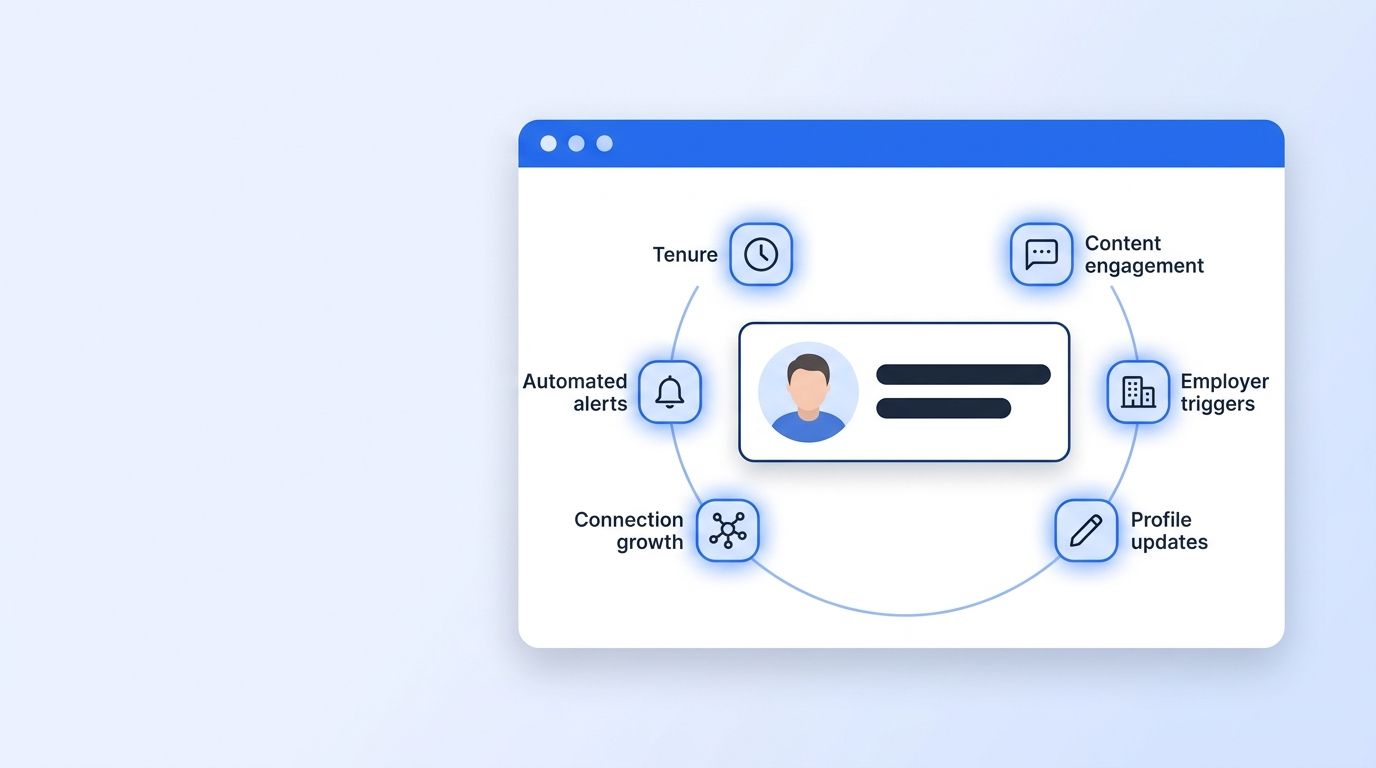
- Track six signal categories: tenure patterns, content engagement, employer triggers, profile updates, network growth, and automated signal scoring.
What Do You Need Before You Start?
You don't need a massive martech stack to track passive candidate signals — you need the right inputs and a repeatable process. Most recruiting teams already have access to everything on this list; what's usually missing is the habit of logging what you see instead of letting it scroll past. Set the tracking up once, and it runs largely on its own from week to week, whether you're checking profiles by hand or routing signals through an automated monitor.
What you'll need:
- A defined ICP for the roles you're sourcing (title, seniority, function, industry, location)
- Access to a LinkedIn data or signal-tracking source (ICP People Search or similar, if you want this automated rather than manual)
- A CRM or ATS field to log signal type and date observed, so patterns show up over time
- Time: ~2-3 hours to set up your first tracking list; ongoing monitoring runs in the background once automated
- Difficulty: Beginner to Intermediate

Step 1: How Do You Track Job Tenure and Time-in-Role Patterns?
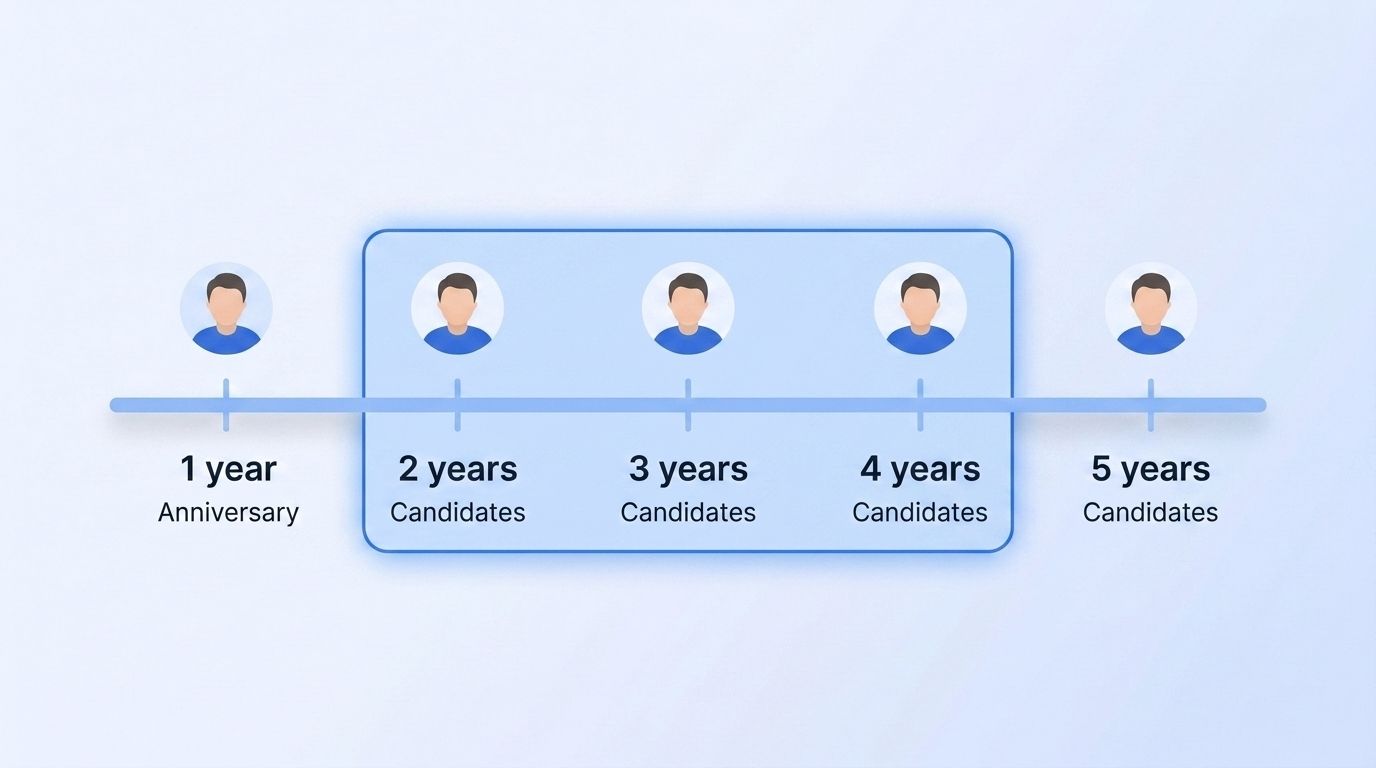
By the end of this step, you'll have a shortlist of candidates statistically more likely to consider a move, based on how long they've sat in their current role. Tenure isn't a perfect predictor, but it's one of the few signals visible on almost every profile without any special access.
Here's why it matters: recruiting teams that lean on labor market data — tenure trends included — are still rare. In 2026, only 31% of recruiting functions actually use labor market data to inform talent strategy (Gartner, 2026), which means most competitors are still sourcing blind.
- Pull tenure data for everyone on your target list (role start date is public on most profiles)
- Flag anyone at 2-4 years in role — the window where restlessness and skill-readiness tend to overlap
- Cross-reference against typical promotion cycles for that title and industry
- Log the flag in your CRM with a "watch" status, not an immediate outreach trigger
Watch the whole employer, not just the individual — a single tenure data point is noisy, but a pattern across a team (several people hitting 3+ years at once) is a stronger signal that a reorg or stagnation is pushing multiple people toward the market at the same time.
Step 2: Monitor Engagement With Company and Competitor Content
By the end of this step, you'll know which passive candidates are quietly window-shopping — before they've told anyone, including themselves. Engagement is the earliest behavioral signal available, because people research before they apply. It's also the cheapest signal to track, since it only requires watching public activity rather than any privileged access to a candidate's account or inbox.
A candidate who likes, comments on, or shares a competitor's hiring post, product launch, or culture content is signaling curiosity about that space. This matters more than it sounds: social media is the single most-used recruiting strategy today, deployed by 55% of organizations, and AI adoption in HR tasks climbed to 43% in 2025 from 26% the year before (SHRM, 2025) — meaning the teams tracking this signal well are pulling ahead fast.
- Identify 3-5 competitor or adjacent-industry company pages relevant to your ICP
- Set up ongoing monitoring for who engages with posts from those pages (comments and shares carry more weight than likes)
- Note the content type — a comment on a "we're hiring" post is a stronger signal than a comment on a product update
- Combine with a keyword watch on industry terms your ICP would engage with organically
Doing this manually across dozens of target accounts doesn't scale past a handful of candidates a week. A Company Engagement Signal or Person Engagement Signal monitor automates this exact pattern — it watches target companies or people continuously and surfaces qualified engagers in real time.
Step 3: How Do You Watch Company-Level Triggers at the Candidate's Employer?
By the end of this step, you'll have a system for catching the moment a candidate's employer creates the conditions for a move, often before the candidate has started looking themselves. This is a higher-leverage signal than anything on an individual profile, because it applies to entire teams at once.
Employer-level triggers spiked hard in 2025. U.S. employers announced 153,074 job cuts in October 2025 alone — the highest October total in 22 years and up 175% year-over-year — with year-to-date cuts reaching 1,099,500, up 65% versus 2024 (Challenger, Gray & Christmas, November 2025). Layoff waves, hiring freezes, leadership churn, and funding events all raise the odds that people at that company become receptive, even if they haven't touched their LinkedIn profile.
- Build a watchlist of employers where your target candidates work
- Track layoff announcements, funding rounds, leadership departures, and public restructuring news for those employers
- Weight recently-funded companies differently than recently-laid-off ones — funding often means fast hiring elsewhere in the market, while layoffs mean displaced talent
- Time outreach to land within days of the trigger, not weeks — relevance decays fast
Most sourcing playbooks treat "Open to Work" as the starting gun. In practice, the starting gun fires at the employer, not the candidate — by the time someone flips on the badge, three or four recruiters have usually already reached out. Watching funding rounds and layoff signals at the company level gets you there first.
Step 4: Track Skill Additions and Profile Update Frequency
By the end of this step, you'll be able to spot candidates quietly repositioning themselves for a move, weeks before they act on it. People update their LinkedIn profiles constantly — LinkedIn members collectively make more than 3 billion profile updates a month (LinkedIn Talent Blog) — but a burst of updates, especially new skills or a rewritten summary, is different from routine housekeeping.
- Baseline how often your target candidates typically touch their profile (most people barely do)
- Flag anyone who adds new skills, certifications, or a reworded headline within a short window
- Cross-check whether the new skills align with roles you're actively hiring for
- Treat a resume-style summary rewrite as a stronger signal than a single skill tag
The single most important instruction in this step: don't act on one update alone — pair it with a second signal (tenure, engagement, or an employer trigger) before reaching out, or you'll waste outreach on routine profile grooming.

Step 5: How Do You Monitor Connection and Recruiter Network Growth?
By the end of this step, you'll have a read on who's quietly building bridges out of their current company. A candidate who starts accepting connection requests from recruiters, or growing their network in an adjacent industry, is often testing the water before they update anything else on their profile.
This works because relationship signals compound: InMail response rates run 21% higher when sender and candidate share a LinkedIn group, and 27% higher when a shared former employer is referenced (LinkedIn Talent Blog) — meaning network signals aren't just predictive, they're also your best lever for a warmer opening line.
- Track connection count growth over time for high-priority candidates, not just a single snapshot
- Note new connections to recruiters, competitor employees, or industry group members
- Check for shared groups, former employers, or mutual connections you can reference in outreach
- Use Person Activity tracking to see posts, comments, and shares alongside network changes for a fuller picture

Step 6: Score and Automate Signal Tracking
By the end of this step, you'll have moved from manually checking profiles to a system that surfaces ready-to-contact candidates on its own. Manual signal-spotting works for a shortlist of ten people; it breaks down the moment you're tracking hundreds.
Recruiting teams are already automating this shift. AI adoption in HR tasks climbed to 43% in 2025 (SHRM, 2025), and firms using AI for candidate screening are 86% more likely to place candidates in under 20 days (Bullhorn, 2025). Separately, AI-enabled talent acquisition is delivering 2-3x faster time-to-hire alongside stronger candidate-role matching (The Josh Bersin Company, 2026).
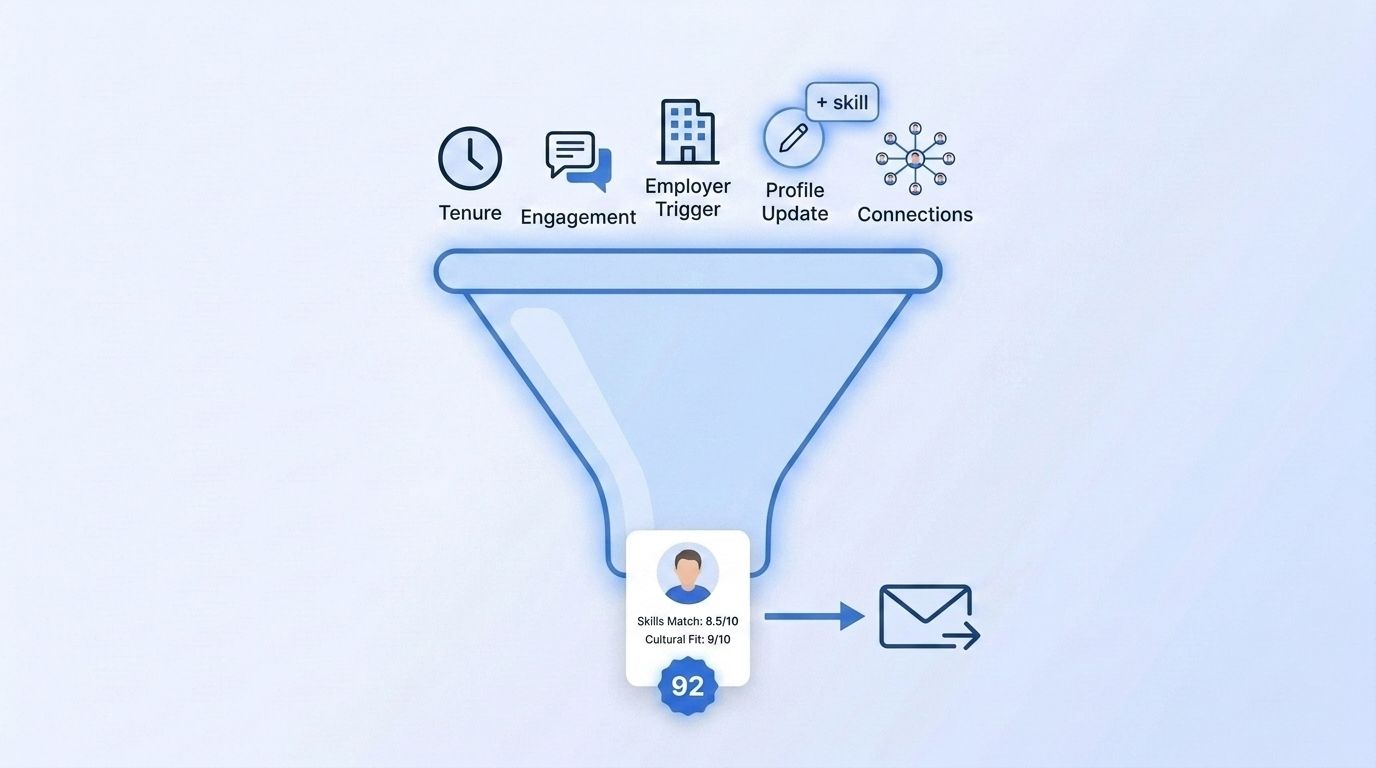
- Assign a weight to each signal type (employer triggers and engagement typically outrank tenure alone)
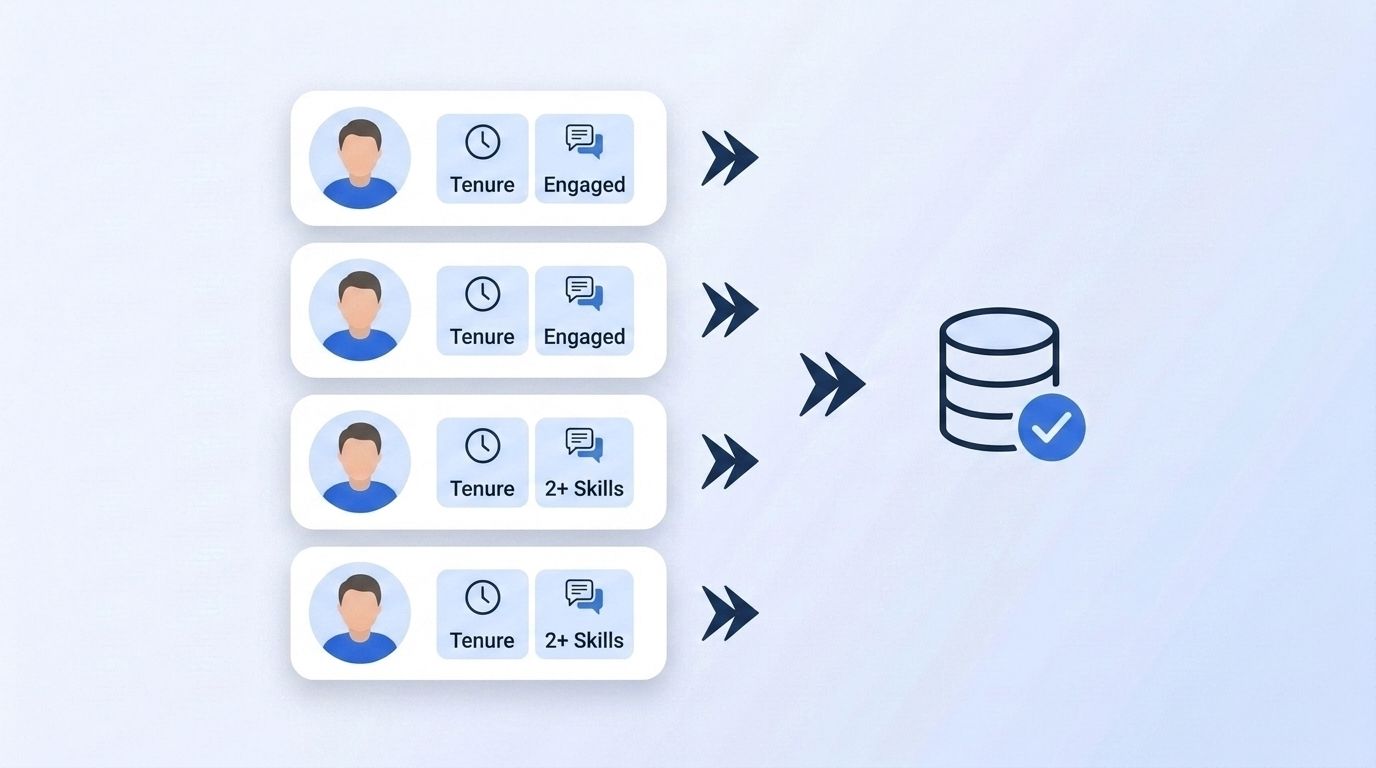
- Set a threshold — e.g., two or more signals within 30 days — before a candidate moves to active outreach
- Use a Create Signal monitor to watch job changes, engagement, and company triggers continuously instead of checking profiles by hand
- Route qualified, multi-signal candidates straight into your outreach sequence via webhook
Teams we've talked to who switched from manual profile-checking to automated multi-signal monitoring described the same shift: outreach stopped feeling like cold prospecting and started feeling like timely follow-up, because the signal itself gave them a reason to reach out.
What Common Mistakes Should You Avoid?
Most sourcing teams get one thing wrong before anything else: they treat "Open to Work" as the only signal worth acting on, which means they're competing with every other recruiter who's doing the same thing. The five mistakes below show up across nearly every sourcing team we've reviewed, regardless of company size or industry, and each one is fixable without buying a new tool.
1. Waiting for the badge instead of the pattern Recruiters default to the "Open to Work" filter because it's easy, not because it's early. By the time it's on, the candidate is likely already fielding multiple offers. The fix: build outreach triggers off tenure, engagement, and employer signals instead.
2. Acting on a single signal One profile update or one liked post isn't a decision — it's noise. The fix: require at least two independent signals within a defined window before moving someone to active outreach.
3. Sending generic outreach after spotting a signal Spotting the signal is only half the job. LinkedIn's own data shows personalized connection notes drive an 8.2% reply rate versus 5.3% without one — a 55% lift (Belkins, 2026). Reference the specific signal you noticed, not a template.
4. Ignoring the employer level Many teams watch individual candidates but never their employers. That means missing layoff waves and funding events — company-level triggers that surface multiple qualified candidates at once instead of one at a time.
<!-- [ORIGINAL DATA] -->5. No decay window on signals A signal from four months ago isn't a signal anymore. Teams that don't timestamp and expire signals end up re-contacting people based on stale context, which reads as out of touch rather than well-timed.
What Does Success Look Like?
If you've set this up correctly, you should now have a running list of candidates flagged by two or more independent signals, each logged with the date and type of signal observed, feeding into an outreach queue automatically — so nothing depends on someone remembering to check a spreadsheet.
Key indicators you're on track:
- Response rates on signal-triggered outreach noticeably higher than cold sends (LinkedIn's own data puts personalized, timely InMails 15-27% ahead of generic ones)
- A shrinking reliance on the "Open to Work" filter as your primary sourcing lever
- Multiple candidates surfaced per employer trigger event, not just one-off finds
Stretch goal: connect your signal monitor to your ATS via webhook so qualified candidates land directly in a recruiter's queue instead of a spreadsheet. See our LinkedIn Signal API overview for how job-change, engagement, and company signals combine into one delivery pipeline.
Frequently Asked Questions
The questions below cover the most common follow-ups recruiters ask about passive candidate signal tracking, from what actually counts as a signal to how many should stack up before you reach out. Each answer is self-contained, so you can jump straight to the one that matches where you are in setting this up.
What are passive candidate signals?
Passive candidate signals are behavioral and employer-level data points — like tenure length, content engagement, profile updates, and company layoffs or funding events — that indicate someone may be open to a new role even though they haven't marked themselves "Open to Work." Only 22.6% of workers are actively job searching (Workable, 2023), so these signals cover most of the addressable talent pool.
Is the "Open to Work" badge still useful?
Yes, but as a lagging confirmation rather than a starting point. LinkedIn's own data shows candidates with the badge respond to InMails at a 37% higher rate (LinkedIn Talent Blog, 2022), so it's still worth prioritizing — it just shouldn't be your only filter, since it misses the majority of people who'd respond to the right outreach.
How many signals should trigger outreach?
Most teams find two or more independent signals within a 30-day window is a reliable threshold — a single signal like one profile update is too noisy on its own. Combining an employer-level trigger (layoff, funding round) with an individual signal (engagement, tenure) tends to produce the highest-confidence shortlist.
Can I track these signals without a dedicated tool?
Manually, yes, for a shortlist of a dozen or so candidates — but it doesn't scale. Once you're tracking more than a handful of accounts, an automated Person Engagement Signal or Company Engagement Signal monitor removes the manual profile-checking entirely.
How does this connect to job-change tracking?
Job-change monitoring is a related but distinct discipline — it watches people who've already moved, useful for re-engaging alumni or tracking champions who switch companies. See our Champion Tracker cookbook for how job-change signals apply to relationship-based tracking rather than net-new sourcing.
Ready to Stop Waiting for the Badge?
You've now got six signal categories to replace "Open to Work" as your primary filter: tenure, engagement, employer triggers, profile updates, network growth, and automated scoring. Combined, they surface the 51.1% of the workforce that's passively open — before your competitors even notice they've moved.
Explore Datamagnet's Recruiting Intelligence tools to see how these signals combine into a single monitoring workflow, or start with Champion Tracking if your priority is re-engaging people who've already changed jobs.
