
Disclosure: This article is published by Datamagnet. Vendor claims are self-reported unless otherwise noted.
No-Code vs. Code: When GTM Engineers Should Reach for a Script Instead of Zapier
You've got a zap that routes leads, enriches them, and pings Slack. It worked great at 50 leads a month. At 5,000, it's timing out, silently dropping steps, and costing more than a junior engineer's lunch budget. Is that a Zapier problem, or a sign you've outgrown no-code entirely?
In 2026, GTM Engineer job postings grew 205% year over year, and 38% of them now list Python as a required skill (Bloomberry, October 2025). That's not a coincidence — it's a market correction. Teams that automated their entire GTM motion in Zapier are now hiring people who can rebuild the fragile parts in code. This post walks through exactly which parts those are.
TL;DR
- Zapier and Make win for simple, low-volume triggers a non-engineer needs to maintain — no debate there.
- Custom scripts win once a workflow needs conditional logic, high task volume, or direct API access; 38% of GTM Engineer job postings now require Python (Bloomberry, 2025).
- Rule of thumb: if you're paying Zapier's overage rate or writing more than three filter steps to work around a limitation, it's time to script it.
What's Actually Different Between No-Code and Code for GTM Work?
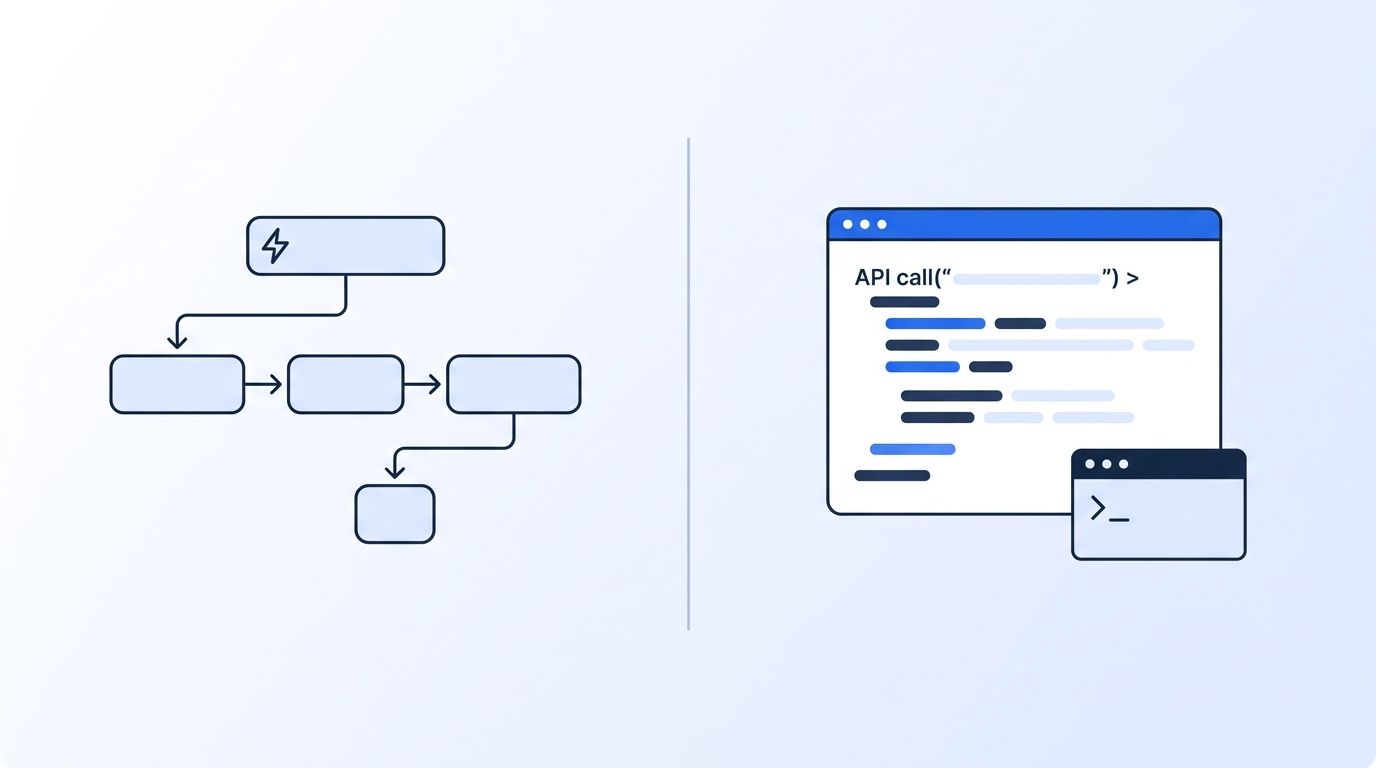
No-code platforms trade flexibility for speed of setup, while code trades setup time for control at scale. Zapier, Make, and Workato connect pre-built triggers and actions through a visual interface — no engineering background required. Custom scripts call APIs directly, giving you full control over logic, error handling, and data shape, but someone has to write and maintain them.
The GTM tooling market reflects this split. The global iPaaS (integration platform as a service) market — the category Zapier and Make compete in — is sized at $15.63 billion in 2025, projected to reach $19.15 billion in 2026 (Fortune Business Insights, August 2026). At the same time, Zapier itself shows up in 39% of GTM Engineer job postings — not as a replacement for engineering, but as one tool among several a technical hire is expected to know (Bloomberry, 2025).
<!-- [UNIQUE INSIGHT] -->That's the real shift worth noticing: the "no-code vs. code" question isn't binary anymore. Most GTM engineering roles in 2026 expect fluency in both — no-code for the workflows ops teams own day to day, and code for the pipes that carry your highest-value data. Treat this comparison as a routing decision, not a religious one.
For context on how these roles are staffed, see this guide on how to build a GTM engineering team from scratch, which covers roles and reporting lines.
Which Wins for Setup Speed and Non-Engineer Ownership?
Zapier wins decisively on setup speed and handoff to non-technical teammates. You can connect a form submission to a CRM update in minutes, with zero deployment pipeline and no code review.
Zapier's visual builder means an ops manager, not just an engineer, can build and later modify a workflow. Clay, HubSpot, and Outreach top the list of tools GTM engineers are expected to know precisely because they let non-engineers ship automations without waiting on an engineering queue.
Custom scripts require someone who can write, test, and deploy code — and someone else who can safely modify it later without breaking production. That's a real ownership cost. If your team doesn't have an engineer on staff, a script that breaks on a Friday night is a workflow that stays broken until Monday.
Verdict: Zapier wins for teams without a dedicated engineer, or for one-off workflows that don't justify a maintenance commitment.
Which Wins on Reliability at High Task Volume?
Custom code wins on reliability once a workflow runs thousands of times a month, because you control retry logic instead of inheriting the platform's defaults. Zapier's own pricing tiers top out at 50,000 tasks a month on the Team plan before you need custom Enterprise pricing, and every task beyond your plan's cap bills at 1.25x the normal rate starting with billing cycles from July 15, 2026 (Zapier Help Center, 2026).
A custom script calling an API directly can implement idempotent retries and exponential backoff with jitter — the same reliability pattern AWS documents in its own production engineering guidance for handling transient API failures (AWS Builders' Library). Zapier's built-in retry behavior is fixed by the platform; you can't tune it per-integration the way you can in your own code.
Nuance: at low volume, this reliability gap rarely matters. A workflow running 200 times a month doesn't need custom backoff logic — the failure surface is too small to notice.
Verdict: code wins once volume or failure cost is high enough that a silent dropped task is expensive.
Which Wins on Cost as Automation Volume Grows?
For low-volume workflows, Zapier's flat monthly fee beats the cost of an engineer's time — but that math flips once you're paying for tens of thousands of tasks every month. A team on Zapier's Team plan pays $598.50/month for 50,000 tasks; go over that and every task costs 1.25x the standard rate on top (Zapier Help Center, 2026).
A custom script calling the same APIs directly has no per-task fee — you pay for API usage and a fraction of an engineer's maintenance time, which doesn't scale linearly with volume the way Zapier's billing does. That's not free, though. Someone has to own uptime, error alerting, and the eventual "why did this break" Slack thread.
<!-- [ORIGINAL DATA] -->There isn't yet a rigorous, publicly sourced study pinning down the exact breakeven point in dollars — treat any specific number you see quoted online as illustrative, not verified. What is measurable: 38% of GTM Engineer job postings require Python and roles requiring both SQL and Python pay roughly $80,000 more than roles that don't (Bloomberry, 2025) — a proxy for how much the market prices "someone who can replace the fragile zap."
Verdict: Zapier wins at low volume; code wins once your task count regularly triggers overage billing.
Which Wins on Flexibility for Non-Standard Logic?
Code wins on flexibility because it isn't limited to a vendor's list of supported triggers and actions. If a workflow needs custom conditional branching, multi-step data transformation, or a call to an API that isn't a pre-built Zapier integration, you're either writing a workaround inside Zapier's Code step or just writing the whole thing in code.
Zapier handles linear, if-this-then-that logic well. The moment you need "route to Slack unless the account already has an open deal, in which case update the deal and only alert if it's been untouched for 5+ days," you're stacking filter steps and paths until the zap is nearly as hard to read as a script would have been — minus the ability to unit test it.
Nuance: Zapier's Code step (JavaScript or Python) lets you embed real code inside a no-code workflow. That's a genuine middle ground worth knowing about before you rebuild an entire pipeline from scratch.
Verdict: code wins for anything beyond simple branching logic; Zapier's Code step can bridge the gap for smaller exceptions.

Which Wins on Direct API Access and Data Freshness?
Code wins when a workflow depends on calling an API directly for fresh data, because no-code connectors add a translation layer that can lag behind or limit what fields you can pull. A pre-built Zapier or Make integration exposes whatever fields the app's developer chose to surface — not necessarily everything the underlying API returns.
For GTM workflows that depend on real-time signals — a target account posting on LinkedIn, an executive changing jobs, a company raising a funding round — calling an API like Datamagnet's directly from a script gives you the full response payload the moment it's available, instead of waiting on a connector's polling interval. You can see this pattern in Datamagnet's own signal creation endpoint, which pushes events to a webhook the instant they fire rather than waiting for a scheduled sync.
That said, no-code isn't excluded from this category entirely. Datamagnet also ships a native n8n integration and a Clay enrichment column for teams who want live LinkedIn data without writing a request handler. The deciding factor is whether you need every field in the payload or just the handful a pre-built connector exposes.
Verdict: code wins for full data fidelity and real-time signals; no-code connectors are fine when you only need a few common fields.
Which Wins on Maintainability Over Time?
No-code wins on maintainability when the team stays non-technical, because a visual workflow is self-documenting in a way a script rarely is without deliberate effort. Anyone who built the zap — or anyone who didn't — can open it, see the steps, and understand what it does.
A script's maintainability depends entirely on whether it's documented, tested, and owned by someone who's still at the company. GTM Engineer postings requiring both SQL and Python pay a real premium specifically because hiring managers know unmaintained scripts become liabilities the moment the original author leaves (Bloomberry, 2025).
Nuance: a well-documented script with tests and monitoring is more maintainable long-term than a zap with 15 filter steps and three paths that only the original builder fully understands. Maintainability is less about no-code vs. code and more about whether anyone invested in making it legible.
Verdict: Zapier wins by default for team longevity; code only wins here if you invest in documentation and ownership.
Pricing Comparison: What Does Each Option Actually Cost?
For a team running roughly 10,000 automation tasks a month, Zapier's Professional plan runs $193.50/month with no engineering time required beyond initial setup (Zapier Pricing, retrieved August 2026). A custom script handling the same volume has no per-task fee, but requires ongoing engineering time that a $193.50/month tool doesn't.
Zapier's free tier caps at 100 tasks a month — usable for testing, not for a real production workflow. Once you're paying, costs scale in fixed jumps: $29.99/month for 750 tasks, $193.50/month for 10,000 tasks, $598.50/month for 50,000 tasks, with 1.25x overage pricing beyond your plan's cap (Zapier Help Center, 2026).
The hidden cost on the code side isn't the API bill — it's the opportunity cost of engineering time. A GTM Engineer with the Python and SQL combination Bloomberry's study flagged commands close to $80,000 more in salary than a peer without both (Bloomberry, 2025) — time spent maintaining scripts is time not spent on other GTM engineering priorities.
| Tier | Zapier (No-Code) | Custom Script (Code) |
|---|---|---|
| Entry cost | Free, 100 tasks/mo | $0 platform fee, requires engineer time |
| Mid volume (~10K tasks/mo) | $193.50/mo | API usage cost + partial engineer time |
| High volume (~50K tasks/mo) | $598.50/mo + 1.25x overage | API usage cost, roughly flat with volume |
| Setup skill required | None | Python/JavaScript + API familiarity |
Value verdict: Zapier wins on predictable, low-effort cost at low-to-mid volume; custom code wins on cost efficiency at high volume, provided you already have engineering capacity to maintain it.
Who Should Choose What
Solo RevOps or marketing ops managers with no engineering support: Choose Zapier or Make. You need something you can build and modify yourself without opening a code editor.
Teams running under 1,000 automation tasks a month: Choose no-code. The cost and complexity of a custom script isn't justified at this volume, even if you have engineering capacity elsewhere.
Teams with a dedicated GTM engineer and high-volume, high-value data pipelines: Choose code, especially for anything touching real-time signals or full API payloads — see how a GTM engineer's internal APIs typically get built for sales teams.
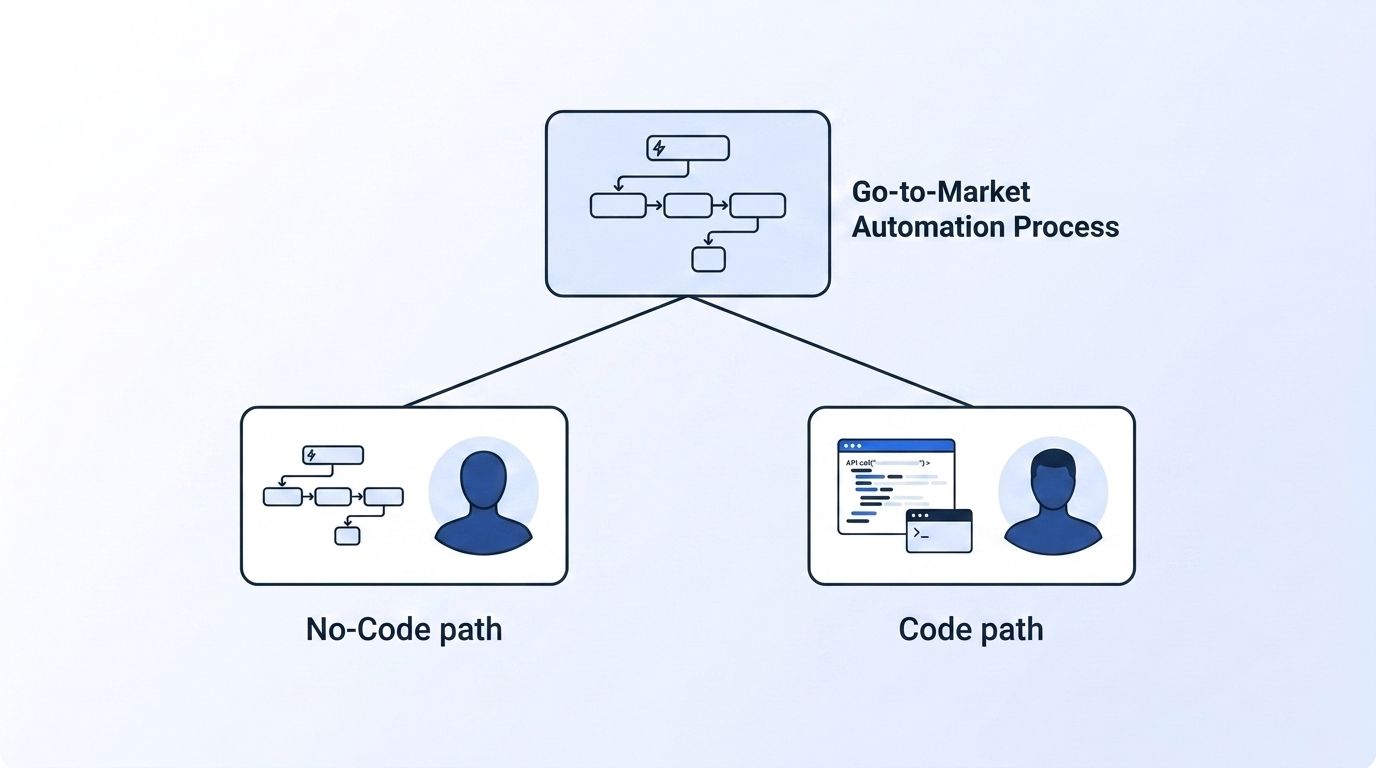
Teams straddling both: Most GTM orgs in 2026 land here. Keep Zapier or Make for the workflows ops owns directly, and reserve custom code for the handful of pipelines where volume, reliability, or data completeness actually matters. Reference Datamagnet's webhook documentation if you're building the code side of that split.
Frequently Asked Questions
Is Zapier still worth using in 2026?
Yes, for the right workflows. Zapier shows up in 39% of GTM Engineer job postings, not as a replacement for engineering but as a standard tool alongside code-based skills (Bloomberry, 2025). It's still the fastest way to ship a simple, low-volume automation.
Can I use Zapier and custom code in the same GTM stack?
Yes, and most teams do. Use Zapier for workflows an ops teammate needs to own and modify directly, and reserve custom scripts for high-volume or high-fidelity data pipelines — like pulling full API payloads from a real-time signal source instead of a pre-built connector's limited field set.
What programming language should a GTM engineer learn first?
Python, based on current hiring data. It appears in 38% of GTM Engineer job postings, tied with SQL as the most requested technical skill, and roles requiring both pay a meaningful premium over roles requiring neither (Bloomberry, 2025).
When should a startup hire a GTM engineer instead of relying on Zapier?
Once automation volume or complexity starts producing regular overage bills, silent failures, or workflows too tangled for anyone but the original builder to modify. GTM Engineer postings grew 205% year over year, suggesting more companies are hitting that threshold earlier than they expect (Bloomberry, 2025).
Can I migrate a Zapier workflow to custom code without breaking my CRM?
Generally yes, if you rebuild and run both in parallel before cutting over. Map each Zapier step to its equivalent API call, test the script against a sandbox or staging CRM instance, and only disable the zap once the script has run cleanly for a full billing cycle.
The Bottom Line
| Category | Winner |
|---|---|
| Setup speed & non-engineer ownership | Zapier |
| Reliability at high task volume | Code |
| Cost as volume grows | Code (above mid-volume) |
| Flexibility for non-standard logic | Code |
| Direct API access & data freshness | Code |
| Maintainability over time | Zapier (by default) |
| Overall | Depends on volume and who owns it — most GTM teams need both |
Zapier and custom code aren't rivals so much as tools for different volumes and owners. Start with no-code for anything an ops teammate needs to run themselves; reach for a script the moment a workflow depends on real-time data, high task volume, or logic too tangled for a visual builder to express cleanly.
If your bottleneck is data freshness rather than automation logic, see how a real-time B2B people enrichment API compares to a no-code enrichment connector for the same use case.
Sources
- Bloomberry, "I analyzed 1,000 GTM Engineering jobs — here is what I learned," retrieved 2026-08-20, https://bloomberry.com/blog/i-analyzed-1000-gtm-engineering-jobs-here-is-what-i-learned/
- Zapier, Pricing page, retrieved 2026-08-20, https://zapier.com/pricing
- Zapier Help Center, "How pay-per-task billing works in Zapier," retrieved 2026-08-20, https://help.zapier.com/hc/en-us/articles/15279018245901-How-pay-per-task-billing-works-in-Zapier
- Fortune Business Insights, "Integration Platform as a Service (iPaaS) Market Size, Share & Industry Analysis," retrieved 2026-08-20, https://www.fortunebusinessinsights.com/integration-platform-as-a-service-ipaas-market-109835
- AWS Builders' Library, "Making retries safe with idempotent APIs," retrieved 2026-08-20, https://aws.amazon.com/builders-library/making-retries-safe-with-idempotent-APIs/
