
Disclosure: This article is published by Datamagnet. Vendor claims are self-reported unless otherwise noted. Product capabilities described below are based on public documentation, retrieved July 21, 2026.
Building an Enrichment Cache Layer: Reduce API Costs by 60%
If your enrichment bill keeps climbing even though your target account list barely changed, you're probably paying for the same lookup twice. In 2025, researchers at Ant Group documented a 62% cost reduction after adding a tiered, workload-aware cache in front of a high-volume key-value store serving over 3,000 internal applications (TierBase, ICDE 2025, retrieved 2026-07-21). This guide shows you how to build the same kind of cache layer in front of a people or company enrichment API - so your pipeline stops re-buying data it already has.
TL;DR
- A tiered cache achieved a 62% cost reduction in peer-reviewed production research spanning 3,000+ internal applications (TierBase, ICDE 2025, retrieved 2026-07-21).
- Redis's Ekata case study cut DRAM cache storage to 30% of prior usage - a 70% reduction - with no latency tradeoff, at 150K-200K calls/sec (Redis, Ekata customer case study, retrieved 2026-07-21).
- Cache key on a canonical identifier (LinkedIn URL, verified domain, or email), not an internal record ID, or you'll cache duplicates that never hit.
- Set TTL by field volatility: job title and company fields decay faster than headquarters or founding year, so one flat TTL wastes either freshness or budget.
- A cache without an invalidation trigger just delays staleness - pair it with job-change signals or webhooks so high-value records refresh early.
Why Does an Enrichment Cache Layer Cut Costs So Much?
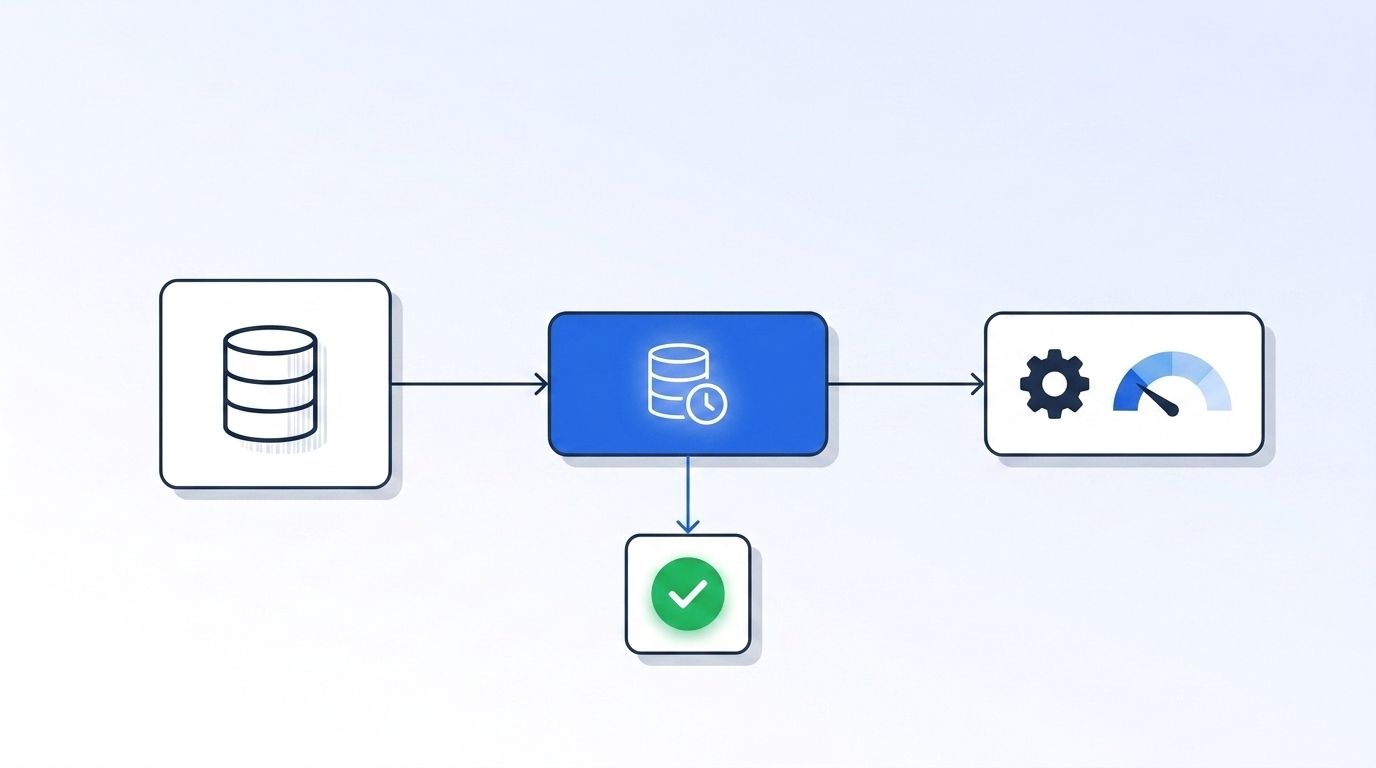
An enrichment cache layer cuts costs because most enrichment workloads are read-heavy against a small, repeatedly-touched set of records, not a constant stream of brand-new lookups. B2B teams routinely re-enrich the same lead or account every time it enters a new campaign, syncs to a CRM, or gets re-scored - and each of those triggers can fire an identical API call to the one made last week.
That redundancy compounds fast. Openprise's 2025 State of RevOps survey found 71% of RevOps teams say poor data quality actively hurts their GTM execution, and only 11% rate their data "excellent" (Openprise, 2025 State of RevOps Survey, retrieved 2026-07-21). A cache layer doesn't fix data quality by itself, but it does something adjacent and useful: it stops you from paying full price to re-fetch a record you already validated an hour ago.
<!-- [UNIQUE INSIGHT] -->Most teams frame caching as an infrastructure optimization - something for the platform team to worry about someday. That framing undersells it. An enrichment cache is a budget control. Every cache hit is an API call you didn't pay for, and in a pay-per-call enrichment model, the cache layer is one of the few levers that reduces spend without reducing coverage.
For more on how programmatic enrichment fits into a broader CRM strategy, see the benefits of programmatic CRM enrichment.
What Do You Need Before You Start?
- A cache store: Redis is the standard choice for enrichment caching (sub-millisecond reads, native TTL support); Postgres or DynamoDB work if you already run one and don't need Redis's speed
- Read access to your enrichment API's request logs or billing dashboard, so you can measure redundancy before and after
- A canonical identifier per entity - LinkedIn profile URL, verified company domain, or email - to use as the cache key
- Basic familiarity with your application's data-fetch layer, wherever enrichment calls currently originate
- Time: 3-6 hours for a first implementation, longer if you're adding invalidation triggers
- Difficulty: Intermediate
Step 1: How Redundant Are Your Enrichment API Calls?
By the end of this step, you'll know exactly what percentage of your enrichment calls are redundant - the number that justifies (or doesn't) building a cache layer at all. Skipping this step means building a cache for a problem you haven't measured, which makes it hard to prove the win later.
Pull 30 days of enrichment API request logs and group them by the identifier you're enriching against - LinkedIn URL, domain, or email. Count how many requests hit the same identifier more than once in the window. That percentage is your redundancy rate, and it's usually higher than teams expect once campaigns, CRM syncs, and lead-scoring jobs all fire independent lookups against the same contact.
Check your current usage against your plan limits before you build anything - most enrichment vendors expose this directly, and Datamagnet's Credit Balance endpoint lets you check consumption programmatically so you can baseline spend before and after adding a cache.
Step 2: Which Cache Store and Key Structure Should You Use?
By the end of this step, you'll have a cache store running and a key-naming convention that maps cleanly to how your application requests enrichment data. Getting the key structure wrong is the single most common reason a cache layer underperforms - it either caches too coarsely (missing valid hits) or too granularly (never hits at all).
Redis is the default choice for most enrichment caching setups because of built-in TTL expiration, sub-millisecond lookups, and simple key-value semantics that map directly onto "identifier in, profile out." If you're already running Postgres with a JSONB column or DynamoDB, either can work as a cache-aside store, though you'll implement TTL logic yourself instead of getting it natively.
Use a namespaced key format like enrich:person:{linkedin_url} or enrich:company:{domain}, not an internal database row ID - a row ID is unique to your system, but the same person or company will always resolve to the same canonical LinkedIn URL or domain regardless of which internal record triggered the lookup.
A common failure mode: teams cache on their own CRM contact ID instead of a canonical identifier. Two CRM records pointing at the same real person - one from a form fill, one from an import - each get their own cache entry, and the cache never de-duplicates the underlying API call. Keying on LinkedIn URL or domain instead of an internal ID fixes this immediately.
Step 3: How Should You Structure Cache Values?
By the end of this step, your cache will store enrichment payloads in a shape your application can serve directly, without re-parsing or re-fetching partial data on every read. Cache design isn't just about keys - the value structure determines whether a "hit" actually saves you a full API call or just half of one.
Store the complete API response as a single JSON blob per key, not individual fields split across multiple cache entries. Splitting fields forces multiple cache reads to reconstruct one profile, and it complicates TTL management since different fields age at different rates (more on that in Step 4).
Tag each cached value with its fetch timestamp inside the payload itself, not just as a Redis TTL - this gives you a second, application-level signal for freshness that survives even if you migrate cache stores later. Datamagnet's People Profile endpoint and Company Profile endpoint both return structured JSON that maps cleanly onto this pattern - store the response as-is, keyed by the LinkedIn URL or domain you queried.
Step 4: What TTL Should You Set for Each Field Type?
By the end of this step, you'll have TTL values that match how fast the underlying data actually goes stale, instead of one arbitrary number applied to everything. This is where most enrichment caches either waste money (TTL too short, re-fetching data that hasn't changed) or serve stale data (TTL too long, missing real changes).
Different fields decay at different speeds. In 2025, ZeroBounce found email list decay held in a 22-28% annual band across an 11B+ verified-email dataset, landing at 23% for the year (ZeroBounce, The Email List Decay Report for 2026, retrieved 2026-07-21). Job and company affiliation move even faster: Lusha's contact-change database recorded 1,470,414 people changing companies between January and June 2026 - roughly 13,600 job changes a day globally (Lusha, B2B Contact Change Report Q2 2026, retrieved 2026-07-21).
Set tiered TTLs instead of one global value: 24-48 hours for job title and current employer, 7-14 days for email and phone, and 30+ days for stable firmographics like headquarters, industry, and founding year. Fields that move faster need shorter TTLs; fields that barely change can sit in cache for weeks without hurting accuracy.
Step 5: How Do You Build the Cache-Aside Read Path?
By the end of this step, every enrichment lookup in your application will check the cache first and only call the API on a miss - the core mechanic that actually produces the cost savings. This is the step where the redundancy rate you measured in Step 1 turns into real dollars saved.
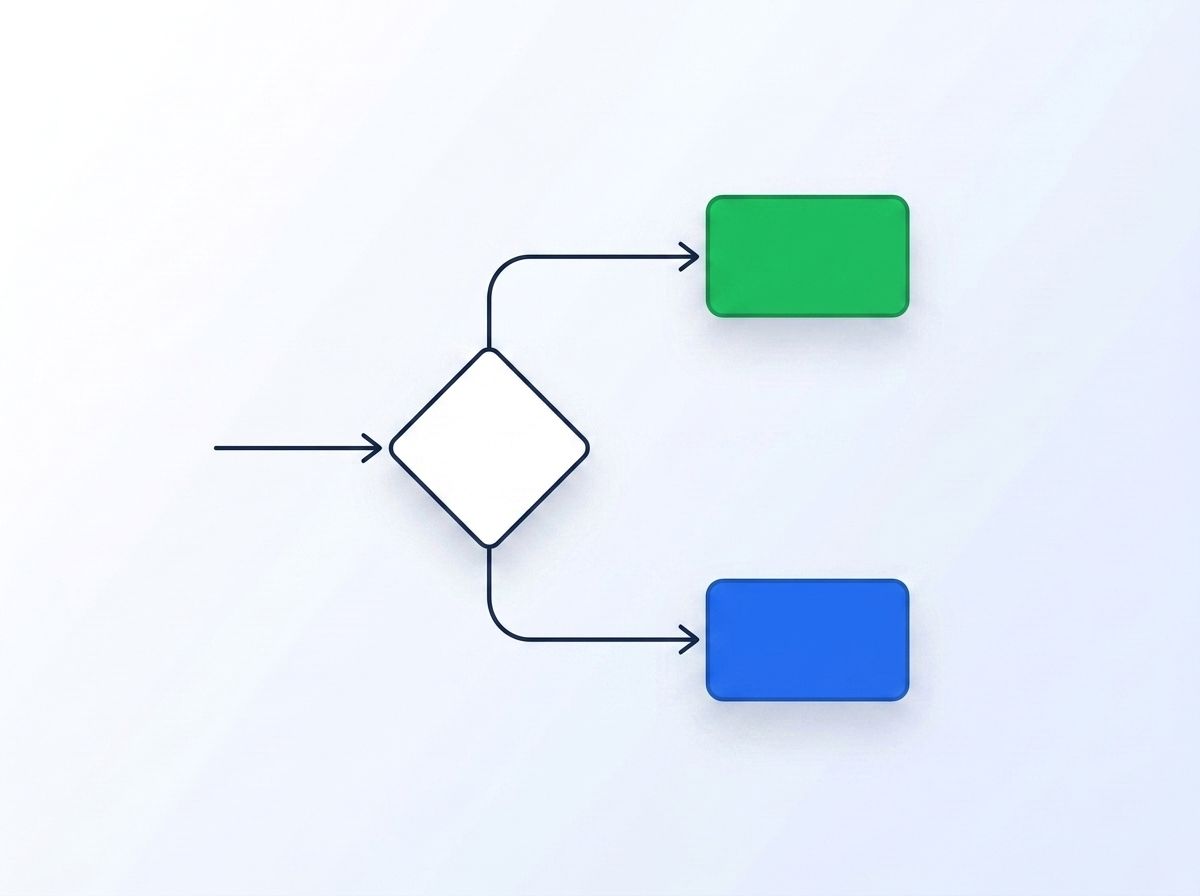
- On a lookup request, generate the cache key from the canonical identifier (LinkedIn URL or domain)
- Check the cache. On a hit within TTL, return the cached payload and skip the API call entirely
- On a miss, call the enrichment API, store the response under the cache key with the appropriate TTL, then return it
- Log both hit and miss events with a timestamp so you can calculate your live hit rate over time
Never call the API before checking the cache, even "just to be safe" - that single ordering mistake is the most common reason a newly built cache layer shows zero cost improvement despite being technically live.
Step 6: How Do You Add Invalidation Triggers So the Cache Doesn't Just Delay Staleness?
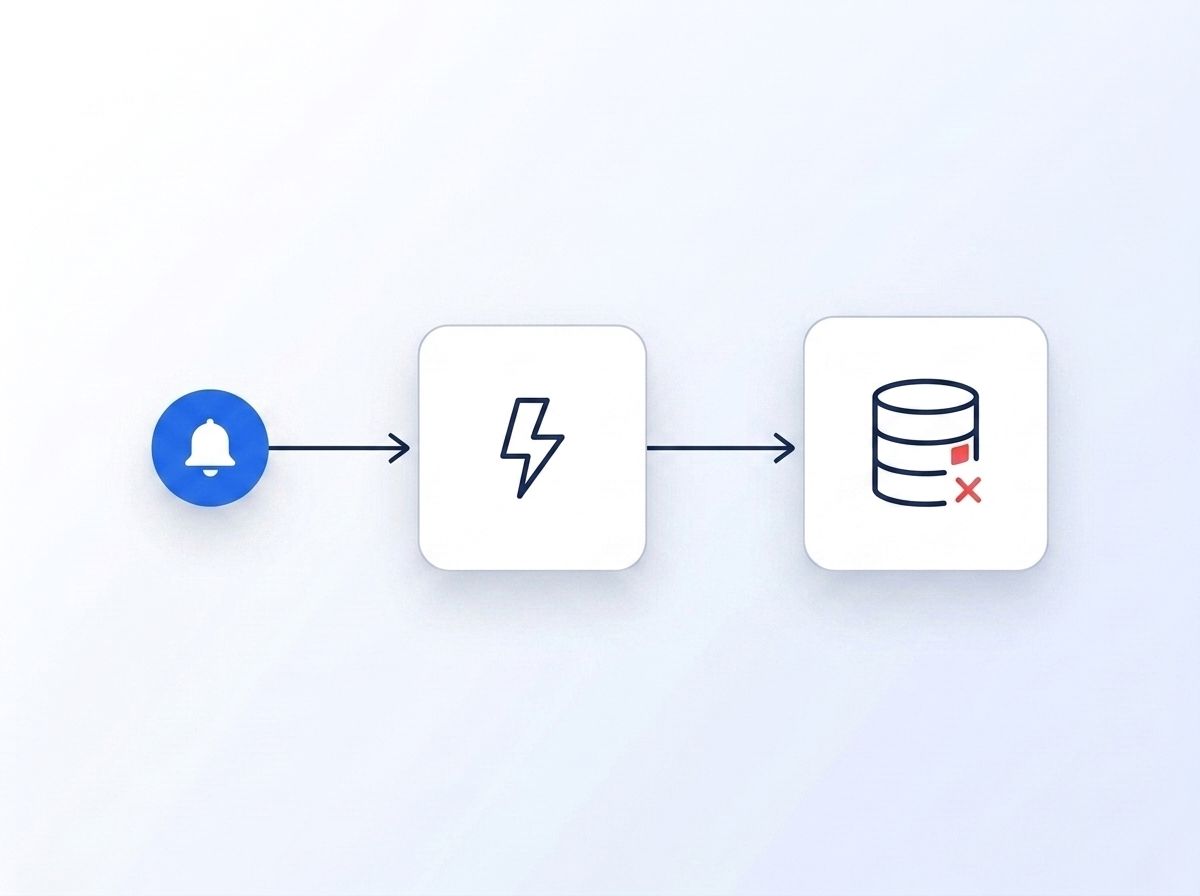
By the end of this step, high-value records in your cache will refresh proactively when the underlying data actually changes, instead of only refreshing when the TTL clock runs out. A pure TTL-based cache still serves stale data for however long the TTL window is - invalidation triggers close that gap for records where staleness is expensive.
Register a job-change signal over your highest-value cached contacts - champions, active deal contacts, or executives you track - so a real employer change fires an event the moment it happens, rather than waiting for the cache entry to expire on schedule. Deliver those events through a webhook that deletes the corresponding cache key, forcing the next lookup to refetch fresh data.
Isn't it a little wasteful to pay for a 48-hour TTL on a contact who changed jobs an hour into that window? Signal-based invalidation targets exactly that gap - it doesn't replace TTLs, it catches the changes that happen to matter before the TTL would have caught them anyway.
Step 7: How Do You Monitor Hit Rate and Verify Cost Savings?
By the end of this step, you'll have a dashboard - even a simple one - showing your cache hit rate and the API spend it's offsetting, so the cache layer's ROI is visible instead of assumed. If everything in Steps 1-6 went correctly, you should now see a hit rate climbing well above your original redundancy rate baseline from Step 1, and a corresponding drop in billed API calls.
Track three numbers weekly: hit rate (hits ÷ total lookups), calls avoided (hits, since each one is a call you didn't make), and dollars saved (calls avoided × your per-call rate). Compare this against your enrichment vendor's usage dashboard - Datamagnet's Credit Balance endpoint makes it easy to confirm the drop in consumed credits lines up with what your cache logs report.
Real-world results in this range aren't a stretch. ProjectDiscovery's engineering team documented a 59-70% API cost reduction after raising their cache hit rate from 7% to 84% (ProjectDiscovery Engineering Blog, "How We Cut LLM Cost With Prompt Caching", retrieved 2026-07-21). That case study caches LLM prompts rather than enrichment payloads, but the underlying mechanic - skip the paid call when you already have a valid cached answer - is identical.
None of the three case studies above measured cache savings on enrichment API calls specifically - they cover a general-purpose key-value store, a DRAM identity-resolution cache, and LLM prompt caching. That's worth stating plainly rather than implying otherwise: the mechanism transfers directly (skip a paid call on a valid cache hit), but no public study has isolated the exact percentage for enrichment-API caching alone. Treat 60%+ as a realistic target backed by adjacent evidence, not a guaranteed outcome for every workload.
What Mistakes Should You Avoid When Building a Cache Layer?
Most teams don't fail at building a cache - they fail at sizing it correctly. A cache with the wrong TTL or the wrong key structure can run for months while quietly delivering a fraction of the possible savings.
1. Caching on an internal record ID instead of a canonical identifier Two CRM records for the same person, each with a different internal ID, never share a cache entry. Key on LinkedIn URL, domain, or email instead, so duplicate records still resolve to one cached lookup.
2. Setting one TTL for every field Job title changes faster than headquarters location. A single 30-day TTL either serves stale titles for weeks or forces unnecessary refreshes of stable firmographic data - pick TTLs per field category, not per record.
3. Never measuring the baseline redundancy rate Building a cache without first measuring how often you re-request the same identifier means you can't tell whether the cache is actually working or just adding latency and infrastructure cost for a low-redundancy workload.
4. Skipping invalidation for high-value records A 48-hour TTL is fine for a low-priority lead. It's a real gap for a champion contact you're actively tracking through a deal - pair TTLs with signal-based invalidation for records where staleness has a real cost.
<!-- [PERSONAL EXPERIENCE] -->The most common mistake teams don't expect: caching the full API response but then re-parsing it inconsistently across different parts of the application, so two features see two different "current" versions of the same cached record. Store one canonical shape per key and have every consumer read from it the same way.
What Does a Working Cache Layer Look Like?
If everything above is set up correctly, you should see your hit rate climb toward 60-80% within the first two weeks, tracking closely with the redundancy rate you measured in Step 1. Billed API calls should drop by a similar percentage, and your per-record enrichment cost should fall even as coverage stays the same or improves.
Key metrics to watch: hit rate trending upward and stabilizing, API call volume dropping in proportion to hit rate, and zero increase in stale-data complaints from downstream teams. If hit rate is climbing but complaints about outdated titles or employers are also climbing, your TTLs are set too long for that field category - tighten them per Step 4.
Once the cache layer is stable, the next step is extending the same pattern to firmographic and signal data, not just person profiles - see how real-time B2B people enrichment applies the same live-lookup principle across a full enrichment pipeline.
Frequently Asked Questions
What is an enrichment cache layer?
An enrichment cache layer sits between your application and your data enrichment API, storing recently fetched person or company profiles under a canonical key. When a lookup for that same identifier happens again within the TTL window, the cache serves the stored response instead of triggering a new billed API call.
How much can caching actually reduce enrichment API costs?
Documented results from adjacent caching workloads range from 59% to 70%: TierBase's tiered cache research showed 62% cost reduction (ICDE 2025), and Redis's Ekata case study showed a 70% DRAM cost reduction (Redis). Your actual savings depend on your redundancy rate - the higher the repeat-lookup percentage, the closer you'll land to that range.
What TTL should I set for cached enrichment data?
Set TTLs per field category instead of one global value. Fast-moving fields like job title and current employer warrant 24-48 hours; contact details like email and phone can hold 7-14 days; stable firmographics like headquarters and industry can safely cache for 30+ days without meaningful accuracy loss.
Should I cache in Redis or a database like Postgres?
Redis is the standard choice for enrichment caching because of native TTL expiration and sub-millisecond reads at scale. Postgres or DynamoDB work as a cache-aside store if you're already running one and want to avoid adding infrastructure, though you'll need to implement TTL expiration logic yourself.
How do I avoid serving stale data from the cache?
Pair TTLs with invalidation triggers for high-value records. Registering a job-change signal with webhook delivery lets you delete a cache entry the moment the underlying data actually changes, instead of waiting out the full TTL window regardless of whether anything changed.
Build the Cache, Then Watch the Bill Drop
An enrichment cache layer isn't a one-time infrastructure project - it's a standing budget control that pays for itself the moment your redundancy rate is above zero, which for most B2B teams is well above zero. Key on a canonical identifier, tier your TTLs by how fast each field actually decays, build a strict cache-aside read path, and back it with signal-based invalidation for the records where staleness is expensive. Review security and data practices before caching any personal data at scale, since retention and compliance rules vary by jurisdiction. See how real-time people and company data plugs into a cache-aside pipeline - check your own redundancy rate against your last 30 days of API logs this week.
Sources
- TierBase (Ant Group), ICDE 2025 conference paper, retrieved 2026-07-21, https://arxiv.org/abs/2505.06556
- Redis, Ekata customer case study, retrieved 2026-07-21, https://redis.io/customers/ekata/
- ProjectDiscovery Engineering Blog, How We Cut LLM Cost With Prompt Caching, retrieved 2026-07-21, https://projectdiscovery.io/blog/how-we-cut-llm-cost-with-prompt-caching
- ZeroBounce, The Email List Decay Report for 2026, retrieved 2026-07-21, https://www.zerobounce.net/email-list-decay
- Lusha, B2B Contact Change Report Q2 2026, retrieved 2026-07-21, https://www.lusha.com/blog/b2b-contact-change-report/
- Openprise, 2025 State of RevOps Survey: Data Quality's Impact, retrieved 2026-07-21, https://www.openprisetech.com/resources/surveys/2025-state-of-revops-data-quality/
- Datamagnet, Credit Balance endpoint, retrieved 2026-07-21, https://docs.datamagnet.co/api-reference/endpoints/credits
- Datamagnet, People Profile endpoint, retrieved 2026-07-21, https://docs.datamagnet.co/api-reference/endpoints/people
- Datamagnet, Company Profile endpoint, retrieved 2026-07-21, https://docs.datamagnet.co/api-reference/endpoints/company
- Datamagnet, Webhooks, retrieved 2026-07-21, https://docs.datamagnet.co/api-reference/webhooks
