
Disclosure: Datamagnet publishes this article. Product capabilities described below are based on public documentation, retrieved August 10, 2026.
How to Build an Internal Tool Instead of Buying Another Point Solution
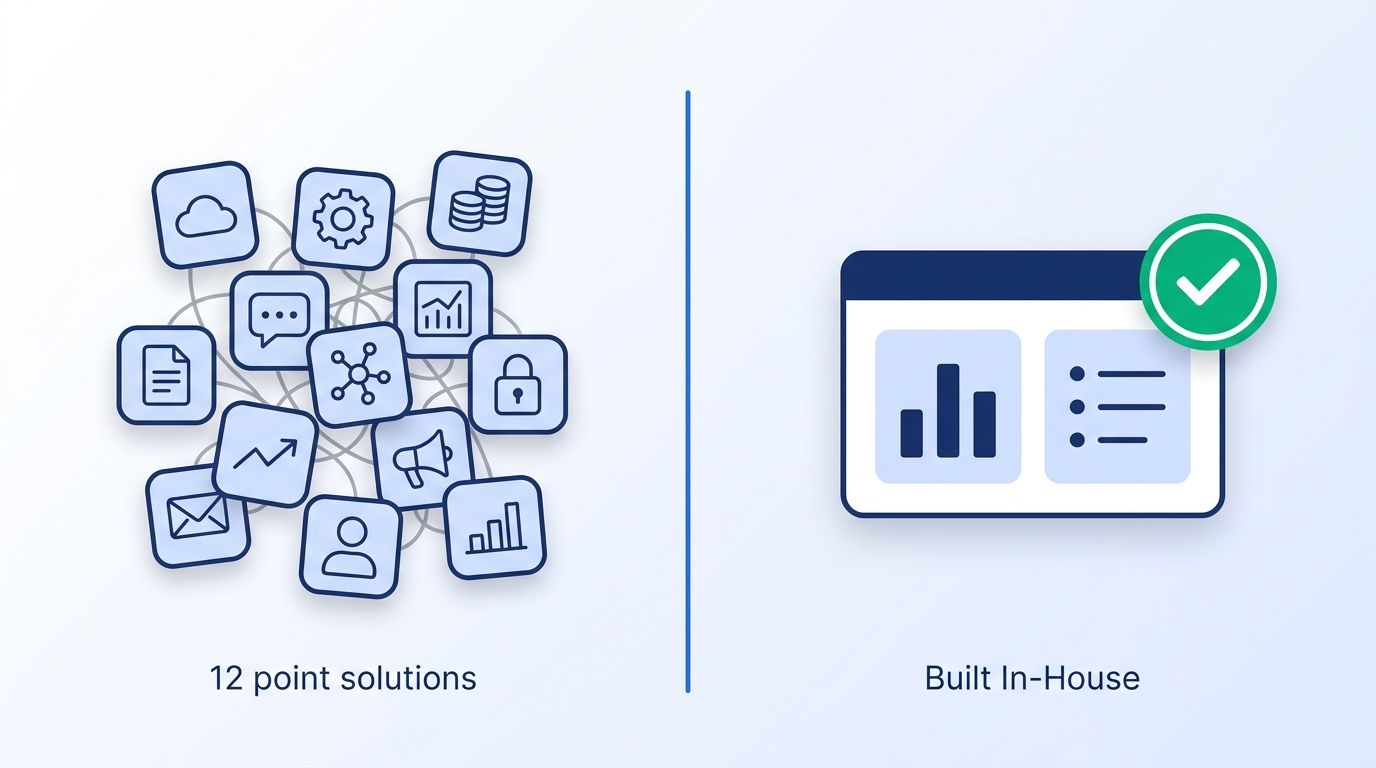
Your team just asked for budget to buy a $15,000-a-year tool that does one narrow thing - dedupe leads, sync a signal into Slack, flag a job change. You've already got 100+ apps in your stack (Okta, Businesses at Work 2025), and half of them get used by three people. Before you sign another contract, it's worth asking whether that "one narrow thing" is actually a weekend build.
This guide walks through a 6-step framework for deciding when to build an internal tool instead of buying a point solution, and how to scope, ship, and maintain it without turning into the next bloated line item on your own SaaS report.
TL;DR
- In 2026, 35% of enterprises had already replaced at least one purchased SaaS tool with a custom build, and 78% planned to build more (Retool, 2026 Build vs. Buy Report).
- SaaS spend per employee hit $9,324 in Q2 2026, with 14% of licenses completely unused and another 51% underutilized (Vertice, SaaS Inflation Index).
- GTM Engineer and RevOps postings grew 205% year-over-year through late 2025 - the role that makes "build it yourself" realistic (Bloomberry, GTM Engineering jobs analysis).
- Building isn't free: technical debt can eat 20-40% of a tech estate's value, so scope tight and assign an owner before you write code (McKinsey, Tech Debt: Reclaiming Tech Equity).
- Buy when the workflow is generic and stable. Build when it's specific to how your team actually sells, sources, or verifies data.
Before You Begin: What Do You Need to Evaluate a Build?
Before you touch a line of code, you need three things: a clear picture of what you're already paying for, a developer (or GTM engineer) who can prototype in days, and a way to pull live data into whatever you build. Skipping any one of these turns a two-week project into a quarter-long one.
What you'll need:
- A current export of your SaaS spend by tool and team (finance or IT usually has this)
- One engineer or GTM engineer who can spend 20-40% of a sprint on the prototype
- API access to the data sources your internal tool needs (CRM, LinkedIn data, email verification, etc.)
- Time to a working prototype: 1-3 weeks for a single-workflow tool
- Difficulty: Intermediate - this assumes basic API and webhook familiarity, not a full engineering team
Watching GTM teams evaluate a $10K/year point solution is a familiar pattern: they spend more time in procurement calls and security review than the tool would take to prototype. If the workflow is "call an API, apply a filter, post to Slack," a build usually isn't the risky choice. Buying without checking is.
Step 1: What Are You Actually Paying For?
Audit your stack before you evaluate anything new, because you can't judge a build-vs-buy decision against a budget you haven't measured. Pull every active SaaS subscription, tag it by team, and flag anything with under 20% monthly active usage - Vertice found 14% of SaaS licenses go completely unused and 51% sit underutilized as of Q2 2026 (Vertice, SaaS Inflation Index).
Sort the list by "does one narrow thing" versus "does many connected things." A CRM stays bought - replacing it is a multi-year project. A tool that just flags job changes, dedupes a list, or reformats a CSV is a candidate for a build. Zylo's 2025 dataset put average annual waste on unused licenses at $21 million per enterprise, up 14.2% year-over-year, so this audit alone often funds the engineering time for a build (Zylo, 2025 SaaS Management Index).
Citation capsule: SaaS spend per employee reached $4,830 in 2025, a 21.9% year-over-year jump that ended three flat years - the first real increase since 2022 (Zylo, 2025 SaaS Management Index). An honest usage audit is what turns that number from an abstract line item into a specific list of tools worth replacing.
Step 2: How Do You Score the Build-vs-Buy Decision?
Score every candidate tool on the same five factors instead of relying on gut feel, because "just build it" is as risky a default as "just buy it." Rate each factor 1-5 and add them up - anything above 15 leans build, anything under 10 leans buy.
| Factor | Buy leans low | Build leans high |
|---|---|---|
| How specific is the workflow to your team? | Generic, industry-standard | Specific to your ICP or process |
| How often will requirements change? | Stable, rarely changes | Changes monthly with strategy |
| Data source availability | No API, vendor-locked data | Open API or data you already own |
| Engineering capacity this quarter | None available | 1+ engineer with spare cycles |
| Compliance/security complexity | High (SOC 2, PII handling) | Low, internal-only tool |
This isn't a coin flip in practice. 78% of enterprises surveyed in early 2026 said they expected to build more of their own tools that year, and among builders already shipping production internal software, 49% reported saving six or more hours per week compared to the manual or bought-tool alternative (Retool, 2026 Build vs. Buy Report).
<!-- [UNIQUE INSIGHT] -->Most build-vs-buy debates focus on cost. The scoring table above deliberately weighs "how often will requirements change" just as heavily, because that's the factor vendors can't fix for you. A point solution built for a generic ICP will always lag six months behind a sales motion that shifts every quarter - and no amount of custom fields closes that gap.
Step 3: Scope the Smallest Version That Solves One Workflow
Scope your internal tool to a single workflow before you scope anything else, because the tools that get abandoned six months in almost always tried to replace an entire category instead of one task. Write the tool's job in one sentence: "flag when a target account's headcount changes" is scopeable. "Replace our sales intelligence stack" is not.
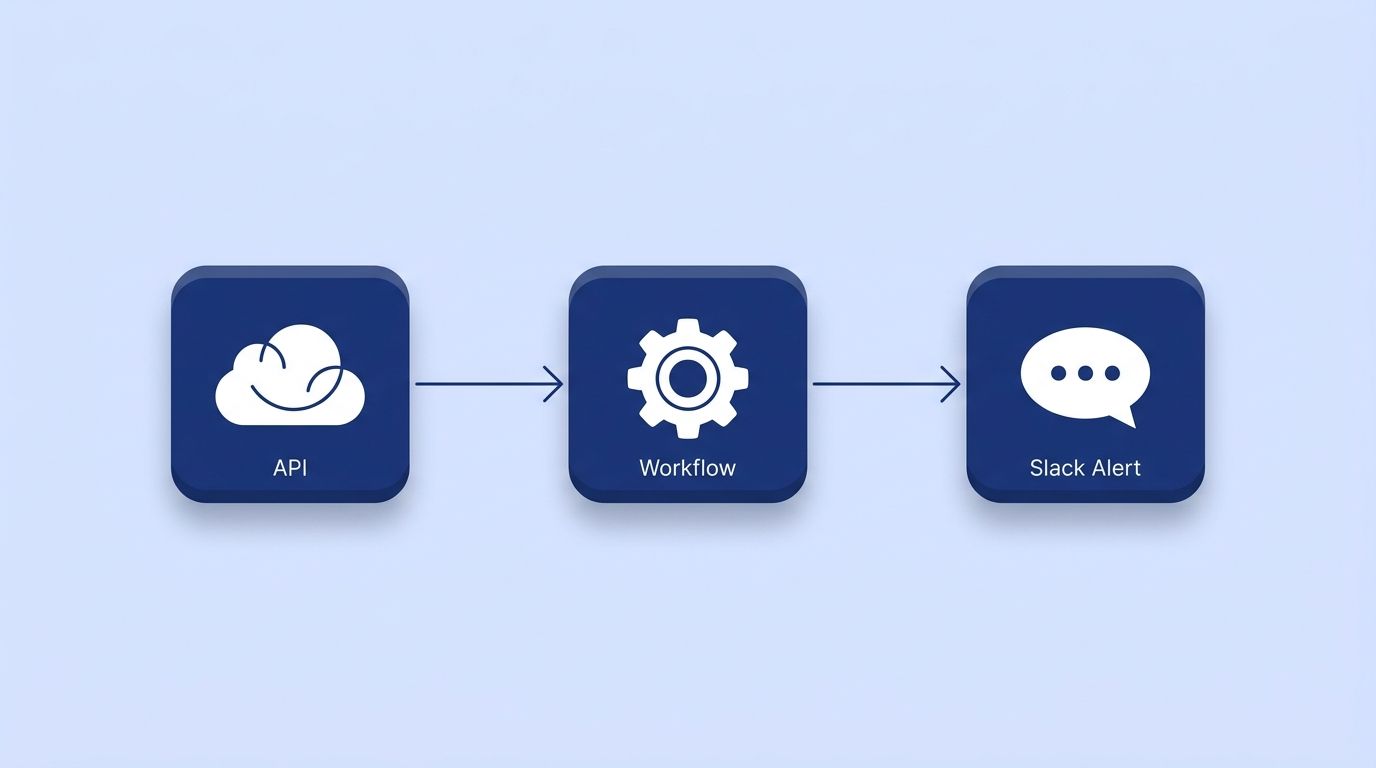
Start with the smallest interface that works - a scheduled script that posts to Slack, a simple internal dashboard, or a Retool/n8n-style workflow wired to an API, not a full custom application with its own auth system and user roles. Datamagnet's n8n integration is a common pattern here: teams wire an HTTP Request node to a data API and a Webhook node to receive updates, without writing a backend from scratch.
Isn't it tempting to build the "platform version" on day one? Resist it. A narrow tool that ships in a week and gets used beats a broad one that ships in a quarter and gets shelved.
Step 4: Why Build on Live APIs Instead of Manual Exports or Scrapers?
Build your internal tool on a live API instead of a scheduled export or a scraper, because a tool that only refreshes on your cleanup schedule inherits the same staleness problem as the point solution you're replacing. Most internal tools pull from three kinds of sources: internal databases (78% of builders use these), internal APIs (56%), and third-party APIs (45%) (Retool, State of Internal Tools 2023) - and the third-party layer is usually where a "build vs. buy" tool actually lives.
For GTM and recruiting tools specifically, that third-party layer means live LinkedIn data. Datamagnet's People Profile endpoint and Company Profile endpoint return structured, current profile and firmographic data on request, so a homegrown dashboard shows today's job title, not a snapshot from last quarter's CSV import. Pair that with ICP People Search if your tool needs to pull a filtered list rather than look up individual profiles.
Authentication is a bearer token, documented in the API authentication guide, and the quickstart walks through the first request end-to-end - most teams get a working call in under 30 minutes.
Citation capsule: Internal tools built on live third-party APIs avoid the core weakness of a manually maintained spreadsheet: the data updates itself. A homegrown dashboard wired to an API refreshes on every request, while a CSV-based version is only ever as current as the last export someone remembered to run.
Step 5: Assign an Owner and Budget for Maintenance
Assign a named owner to your internal tool before launch, not after it breaks, because an unowned internal tool decays faster than a bought one - nobody gets a renewal reminder for code nobody's watching. Technical debt isn't hypothetical: McKinsey found CIOs estimate it equals 20-40% of their entire tech estate's value, with 10-20% of new-product budget diverted to fixing it (McKinsey, Tech Debt: Reclaiming Tech Equity).
<!-- [ORIGINAL DATA] -->Teams that pair an internal tool with an automated signal instead of a scheduled refresh report catching breaking changes (a field renamed upstream, an API version bump) within days, not at the next quarterly review someone remembers to schedule - the same gap that separates real-time data validation from a batch cleanse.
Reduce the maintenance surface by using webhooks instead of polling. Datamagnet's signal API can push a job-change or engagement event straight to your tool via webhook, so the tool reacts to changes instead of running a cron job that checks everything on a fixed interval. Fewer scheduled jobs means fewer things that silently fail at 3 a.m.
Step 6: When Should You Still Buy the Point Solution?
Buy the point solution when the workflow is generic, compliance-heavy, or shared across every company in your industry, because rebuilding a solved problem wastes the same engineering time you were trying to save. Payment processing, e-signature, and SOC 2-audited data storage are rarely worth building - the compliance burden alone outweighs the license fee.
The same scoring table from Step 2 works in reverse here. If a candidate tool scores under 10, that's not a failure of the framework - it's the framework working. GTM Engineer and RevOps job postings still grew 205% year-over-year through 2025 precisely because teams are building more, not because they've stopped buying anything (Bloomberry, GTM Engineering jobs analysis). The role exists to make good build-vs-buy calls, not to build everything.
What Mistakes Should You Avoid?
Most failed internal tools don't fail on day one - they fail three months in, when the person who built them changes roles. Here are the mistakes that cause it.
1. Building without an API-backed data source. A tool wired to a manual CSV export looks fine in a demo and stales out within weeks. Build against a live endpoint from day one, even if it's slower to set up.
2. No named owner after launch. "The team" owns nothing. One person's name needs to be on the tool, the same way a SaaS contract has an account owner.
3. Scoping for every future use case. A tool designed to "eventually replace three vendors" takes three times as long to ship and usually replaces none of them.
4. Skipping the usage audit before building. Building a replacement for a tool nobody's actually verified is underused wastes the engineering time you were trying to save.
5. Treating maintenance as a one-time cost. Budget a recurring 5-10% of the original build time per quarter for upkeep - it's not optional, and pretending otherwise is how internal tools become the tech debt McKinsey's CIOs were describing.
What Does Success Look Like?
If this framework worked, you should have one fewer SaaS renewal conversation next quarter and one small, owned internal tool doing exactly one job well. Success here isn't "we build everything now" - it's a repeatable scoring process that catches the next $15K point solution before it gets signed.
The stretch goal: once you've shipped one tool successfully, template the pattern. Most GTM engineering teams end up with a small internal library of API calls (data lookups, signal webhooks, enrichment functions) they reuse across every new internal tool, which is exactly why the second and third builds ship faster than the first.
Frequently Asked Questions
How do I know if my team is ready to build instead of buy?
You're ready if you have at least one engineer or GTM engineer with spare sprint capacity and API access to the data your workflow needs. In 2026, 78% of enterprises surveyed by Retool planned to build more of their own tools, up from 35% who'd already replaced a purchased tool with a custom one (Retool, 2026 Build vs. Buy Report).
How long does it take to build an internal GTM tool?
A single-workflow tool wired to an existing API typically reaches a working prototype in one to three weeks, depending on how much custom UI it needs. Tools that just query an API and post to Slack or a CRM field ship fastest; tools with their own dashboard and user roles take longer.
What if the API I need doesn't have good documentation?
Check for a quickstart and authentication guide before committing engineering time - Datamagnet's API documentation covers authentication, endpoints, and error handling in one reference. If a vendor's docs can't get you to a working first request in under an hour, budget extra time or reconsider the source.
Should I use a no-code tool or write custom code?
Use a no-code or low-code workflow tool like n8n when the logic is mostly "call an API, apply a filter, send a notification." Write custom code when the tool needs its own data model, complex business logic, or a dedicated interface multiple teams will use daily.
How much does it cost to maintain an internal tool long-term?
Budget roughly 5-10% of the original build time per quarter for maintenance - API changes, dependency updates, and bug fixes. McKinsey found technical debt can consume 20-40% of a tech estate's total value when maintenance gets skipped entirely, so treating it as a recurring line item is cheaper than treating it as optional (McKinsey, Tech Debt: Reclaiming Tech Equity).
Start With One Point Solution, Not Your Whole Stack
Pick the smallest, most annoying point solution on your renewal list this quarter and run it through the five-factor scoring table before you sign anything. Audit usage first, scope one workflow, build on a live API instead of a CSV, and name an owner before launch. See Datamagnet's API documentation to check whether the data your next internal tool needs is already one request away.
Sources
- Okta, Businesses at Work 2025, retrieved 2026-08-10, https://www.okta.com/newsroom/articles/businesses-at-work-2025/
- Zylo, 2025 SaaS Management Index, retrieved 2026-08-10, https://zylo.com/news/2025-saas-management-index
- Vertice, SaaS Inflation Index, retrieved 2026-08-10, https://www.vertice.one/insights/saas-spend-per-employee
- Retool, 2026 Build vs. Buy Report, retrieved 2026-08-10, https://retool.com/blog/ai-build-vs-buy-report-2026
- Retool, State of Internal Tools 2023, retrieved 2026-08-10, https://retool.com/blog/state-of-internal-tools-2023
- Bloomberry, I analyzed 1,000 GTM Engineering jobs - here is what I learned, retrieved 2026-08-10, https://bloomberry.com/blog/i-analyzed-1000-gtm-engineering-jobs-here-is-what-i-learned/
- McKinsey, Tech Debt: Reclaiming Tech Equity, retrieved 2026-08-10, https://www.mckinsey.com/capabilities/tech-and-ai/our-insights/tech-debt-reclaiming-tech-equity
- Datamagnet, API Documentation, retrieved 2026-08-10, https://docs.datamagnet.co/api-reference/introduction
