
Disclosure: Datamagnet publishes this article. Vendor capabilities, integrations, and pricing models are based on public documentation and vendor sites, unless otherwise noted. Confirm current pricing and feature scope directly with each vendor before you commit.
10 Best Data Integration Tools for GTM Engineers in 2026
A GTM engineer's job isn't writing outbound copy or running demos. It's making sure a job-change signal, a firmographic filter, and a CRM field all agree with each other by the time a rep sees the record. In 2025, 65.7% of teams named data integration their single biggest martech stack challenge (MarTech.org, 2025 State of Your Stack Survey, 2025) — ahead of budget, ahead of headcount, ahead of nearly everything else.
That's the gap this list is built for. Below are 10 tools GTM engineers actually reach for when they're wiring enrichment, automation, and CRM systems together: AI-native orchestration platforms, real-time enrichment APIs, reverse ETL, and the CRM ecosystems everything eventually has to land in.
TL;DR
- In 2025, 65.7% of teams named data integration their top martech stack hurdle (MarTech.org, 2025), and 76% say less than half their CRM data is accurate (Validity, 2025).
- No single tool solves the whole stack. GTM engineers typically pair a real-time enrichment API (Datamagnet, Clay) with an automation layer (n8n, Zapier, Workato) and a reverse ETL sync (Census, Hightouch) into their CRM.
- B2B contact records don't sit still — Lusha's live database tracked roughly 13,600 job changes a day in early 2026 (Lusha, 2026) — so batch imports go stale fast without a real-time layer.
- Pick tools by data freshness, webhook depth, and how much custom logic you can own, not by seat count.
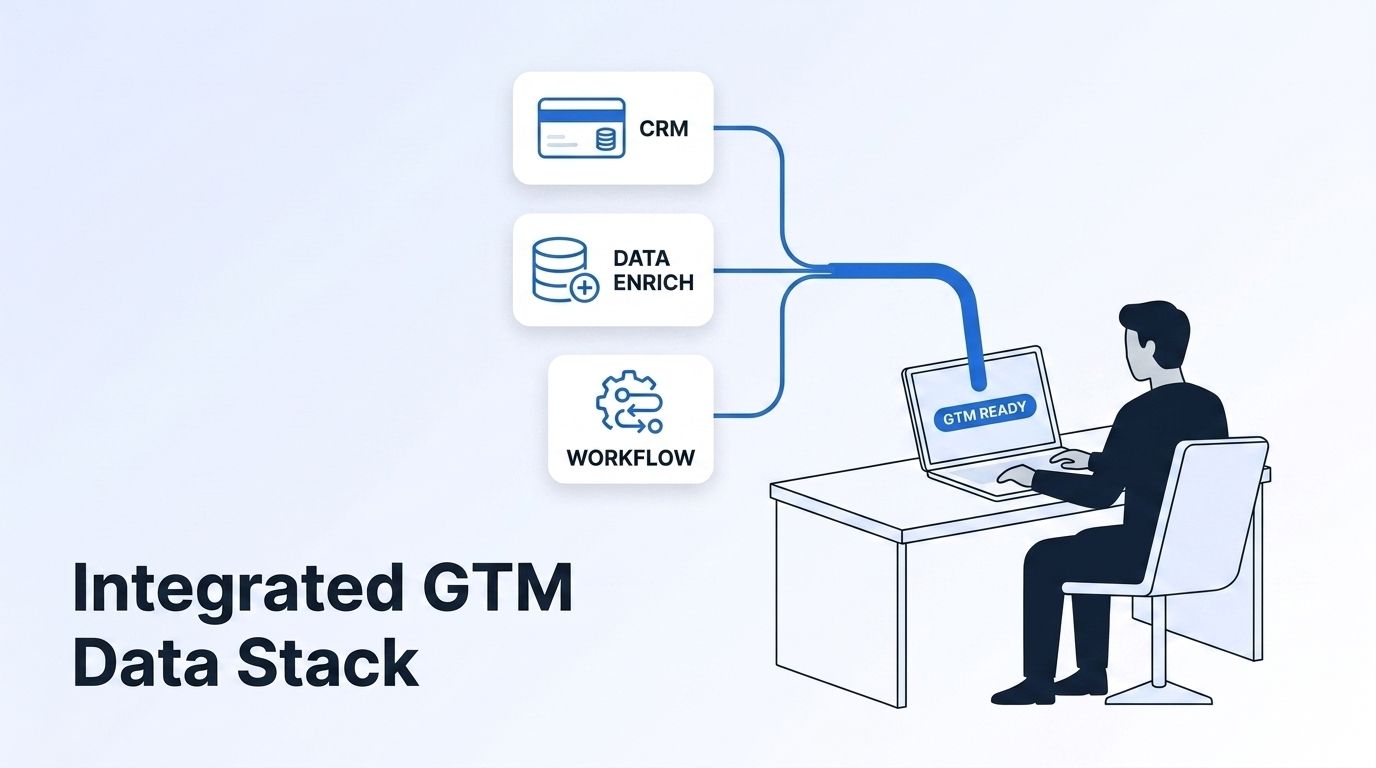
What Is a GTM Engineer, and Why Does Data Integration Trip Them Up?
A GTM engineer builds and maintains the pipes that move data between a company's CRM, enrichment sources, and outbound tools, usually with code, APIs, and no-code automation instead of manual spreadsheet work. It's a newer title, but the job itself — RevOps plus a lot more engineering — has existed under other names for years.
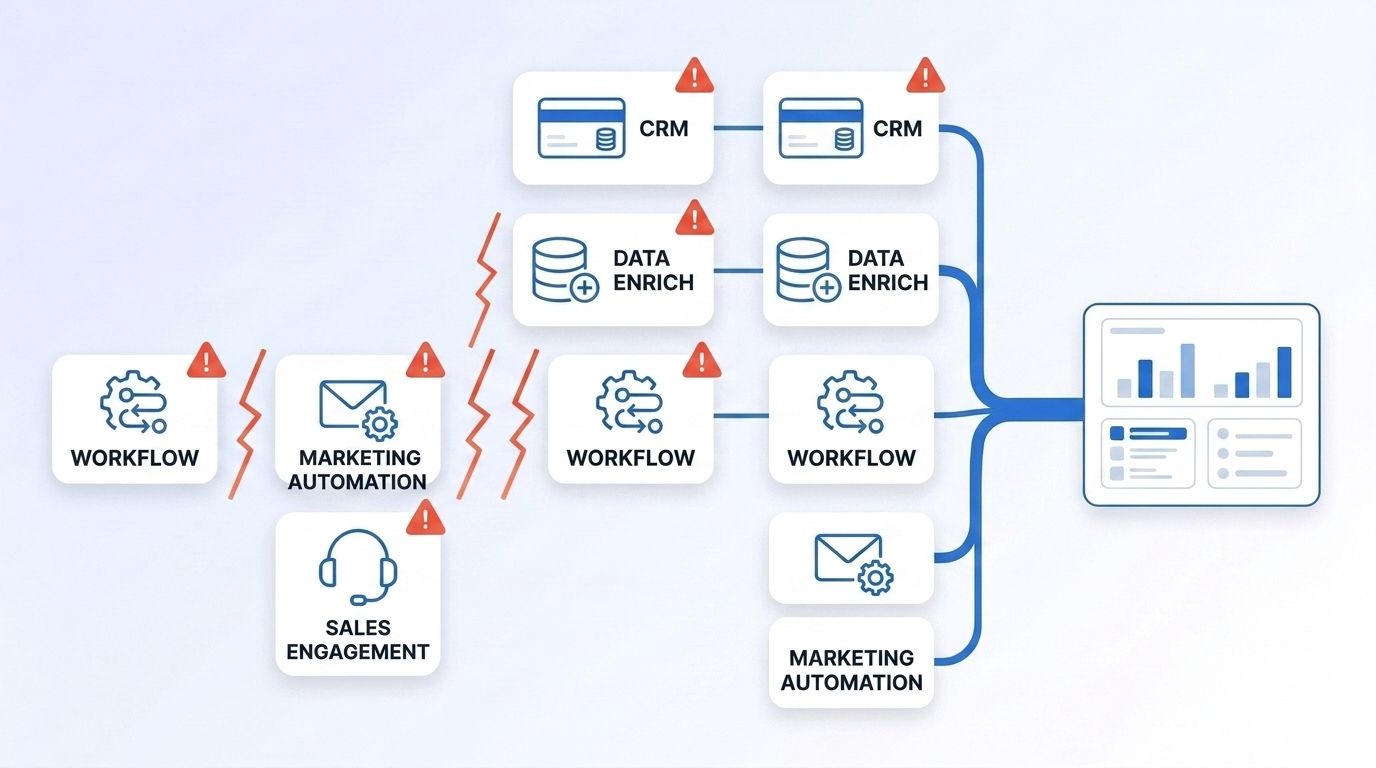
The trip-up isn't a lack of tools. It's too many tools that don't speak the same language. Each vendor returns a different schema, a different refresh cadence, and a different definition of "accurate." Stitch five data sources together by hand and you get five ways for a record to quietly go wrong.
<!-- [UNIQUE INSIGHT] -->Most teams still treat integration as a project with an end date: build the pipeline, ship it, move on. That's the wrong mental model. A CRM record isn't static — it's accurate as of a timestamp, and it decays the moment the person changes roles. Data silos are a growing concern for nearly a quarter of teams surveyed on this exact question (MarTech.org, 2025 State of Your Stack Survey, 2025), and that number doesn't move until integration gets treated as an ongoing pipeline instead of a one-time build.
What Should You Look for in a GTM Data Integration Tool?
The right tool answers three questions before you write a line of code: how fresh is the data, how much can you customize the logic, and how does it deliver into your CRM. Get any of those wrong and you've just built a faster way to feed bad data downstream.
Data freshness matters most. Lusha's live database tracked roughly 13,600 B2B job changes a day in early 2026 (Lusha, B2B Contact Mobility Report 2026, 2026), and 70.8% of B2B contact records change in some way within 12 months (IndustrySelect, Measuring the High Cost of Bad Contact Data, 2026). A tool that only refreshes on a monthly batch job is already behind by the time it ships.
Customization depth is the second filter. Prebuilt connectors are fast to set up but freeze you into whatever logic the vendor chose. Datamagnet's REST API documentation exposes raw JSON so you decide the scoring, the filtering, and the routing — the tradeoff is you own more of the build.
Delivery mechanism decides whether the data actually gets used. Webhook-based tools push events the moment they happen; polling-based tools make you check on a schedule and hope you didn't miss one. Neither is wrong, but they solve different problems.
The 10 Best Data Integration Tools for GTM Engineers in 2026
These 10 span the four categories GTM engineers actually stitch together: real-time enrichment, AI-native orchestration, workflow automation, reverse ETL, and CRM ecosystems. None of them replace the others — most GTM stacks run three or four of these at once.
1. Datamagnet — Best for Real-Time LinkedIn Enrichment and Signal-Triggered Automation
Datamagnet turns a LinkedIn URL into structured JSON for people, companies, and posts, fetched live at request time rather than pulled from a static database. The ICP People Search endpoint filters by job title, seniority, industry, and headcount using plain-language values, and the Signals API monitors job changes, new posts, and engagement, then pushes qualified leads through webhook delivery with HMAC signature verification the moment they fire.
Best fit: GTM engineers who want raw, real-time data and full control over scoring and routing logic, instead of a packaged UI. Credits are pay-as-you-go, so a small team can start without a seat-based contract.
2. Clay — Best for Multi-Provider Enrichment Orchestration
Clay is an AI-native workbench that waterfalls a single lookup across dozens of data providers, keeping whichever result comes back most complete. You can plug Datamagnet in as an HTTP enrichment column in Clay, alongside other sources, and let Clay's waterfall logic pick a winner automatically.
Best fit: Teams that don't want to accept any single provider's match rate as a ceiling and are comfortable managing credit spend across multiple connected sources.
3. Workato — Best for Enterprise-Grade iPaaS
Workato is an integration-platform-as-a-service built for large, multi-system enterprises. It handles complex, multi-step workflows across CRM, ERP, and finance systems with governance controls IT teams need at scale.
Best fit: Larger orgs where Zapier-style simplicity isn't enough and integration logic needs approval workflows, audit logs, and role-based access.
4. Zapier — Best for Fast, No-Code Automation
Zapier connects thousands of apps through simple trigger-and-action "Zaps," with no code required. It's usually the first automation tool a GTM engineer reaches for because setup takes minutes, not sprints.
Best fit: Small and mid-size teams automating straightforward handoffs, like pushing a new signal into a Slack channel or a CRM task.
5. n8n — Best for Self-Hosted, Custom Workflow Automation
n8n is an open-source workflow automation tool you can self-host, giving you full control over data residency and no per-task pricing ceiling. Datamagnet's n8n integration lets you call any endpoint from an HTTP Request node and receive signal webhooks with the Webhook node, so enrichment and job-change alerts drop straight into any workflow you build.
Best fit: Technical GTM engineers who want Zapier's visual workflow builder without the per-task cost or the data-residency constraints of a hosted-only tool.
6. Census — Best for Warehouse-to-CRM Reverse ETL
Census syncs models straight from your data warehouse into operational tools like Salesforce and HubSpot, so your warehouse — not a fragile point-to-point script — becomes the single source of truth for GTM data.
Best fit: Teams that already model customer and account data in a warehouse and want that model reflected in the CRM without manual exports.
7. Hightouch — Best for Composable CDP and Reverse ETL
Hightouch offers similar warehouse-to-tool syncing to Census, with a composable customer data platform layer on top for audience building and activation across ad platforms, email tools, and CRMs.
Best fit: Marketing-and-sales-aligned teams that need both reverse ETL and audience segmentation from the same warehouse tables.
8. Segment — Best for Real-Time Customer Data Collection
Segment (now part of Twilio) collects event-level customer data from product, web, and mobile sources and routes it to hundreds of downstream destinations in real time, acting as the connective layer before data ever reaches a warehouse.
Best fit: Product-led GTM motions that need behavioral and usage data flowing into sales and marketing tools alongside firmographic and contact data.
9. HubSpot — Best CRM Ecosystem for Native Workflow Building
HubSpot's Operations Hub adds native data sync, custom-coded workflow actions, and programmable automation directly inside the CRM, reducing how much glue code a GTM engineer has to maintain externally. Datamagnet's native HubSpot integration enriches contacts and companies on create through workflows and pushes job-change signal alerts straight into existing records.
Best fit: Mid-market teams that want enrichment and automation living as close to the CRM as possible, with fewer external systems to maintain.
10. Salesforce — Best CRM Ecosystem for Enterprise-Scale Customization
Salesforce remains the default CRM for large B2B orgs, with an AppExchange ecosystem and Flow automation builder deep enough to support almost any custom GTM logic a team can design. In 2026, 41% of enterprise B2B teams run at least one AI SDR in production, up from 12% a year earlier (Salesforce, State of Sales 2026), and most of that automation gets built directly on Salesforce's own platform.
Best fit: Enterprise RevOps and GTM engineering teams that need deep customization and are willing to invest in Salesforce admin and development resources to get it.
How Should You Choose the Right Stack?
Start from the data, not the tool list. Map where your GTM data currently lives, how fast it changes, and where it needs to land, then pick one tool per layer instead of one tool for everything.
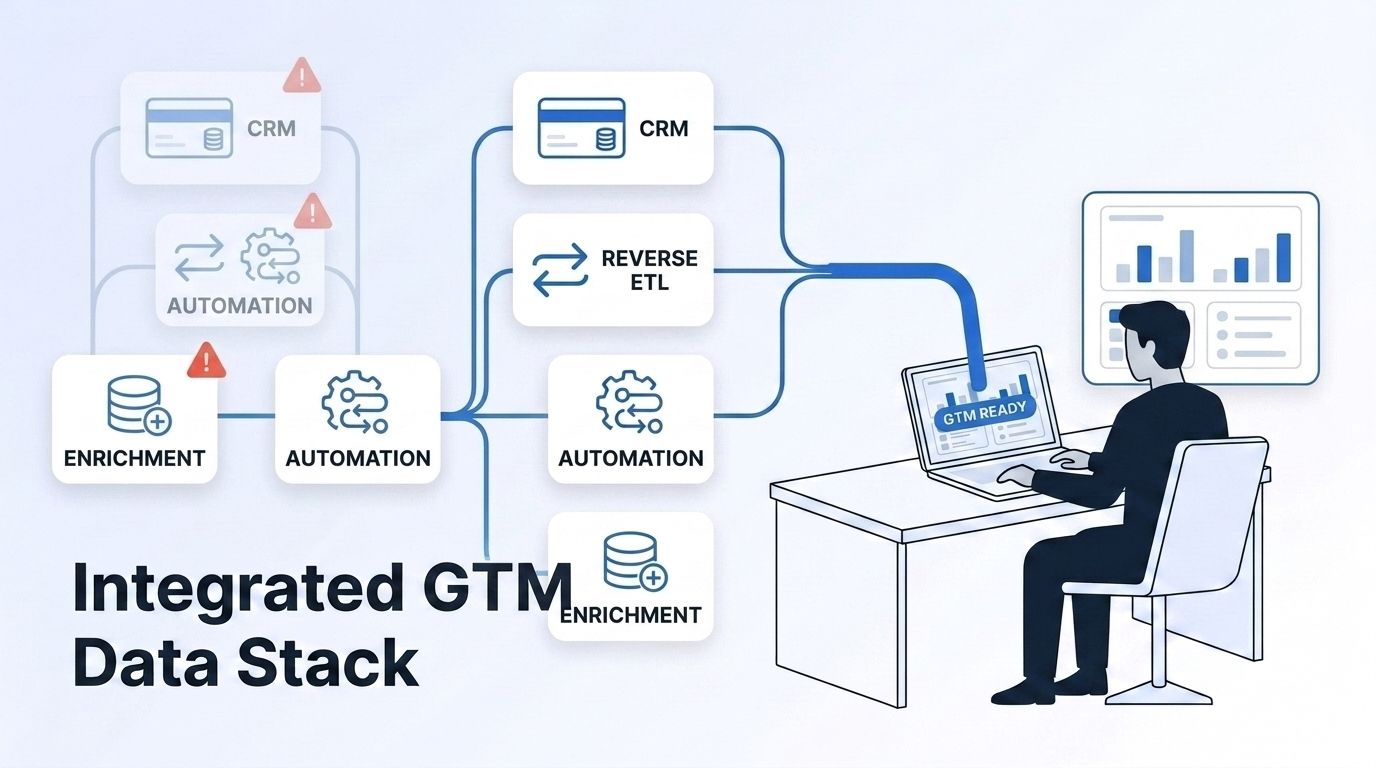
A workable default stack looks like this: a real-time enrichment API or orchestration layer (Datamagnet or Clay) feeding an automation tool (n8n, Zapier, or Workato depending on team size), landing in a CRM (HubSpot or Salesforce) — with reverse ETL (Census or Hightouch) added once a data warehouse becomes the system of record. Most credit-based tools, including Datamagnet's pay-as-you-go credit pricing, let you test this stack on a small scale before committing to a seat-based contract.
What Mistakes Do GTM Engineers Make When Wiring Up Their Stack?
The most common mistake is building the integration once and walking away. A pipeline that worked at launch degrades quietly as source schemas change, credits run low, or a vendor deprecates a field nobody was watching.
<!-- [PERSONAL EXPERIENCE] -->In our own experience helping teams stand up enrichment pipelines, the integrations that hold up longest are the ones with a monitoring step built in from day one — a simple check that alerts someone when a source starts returning empty fields, instead of finding out three weeks later that half a signal feed went dark.
A second, quieter mistake: over-provisioning custom logic before validating a simpler alternative. Not every workflow needs a raw API call — a prebuilt signal monitor can cover the same job-change or engagement use case with a fraction of the maintenance burden, and it's worth testing before committing engineering hours to a custom build.
Ready to Wire Up Your GTM Data Stack?
Every tool on this list solves one layer of the problem. Start with the layer that's currently costing you the most — usually enrichment freshness — pick one tool for it, and prove the workflow before adding the next layer. See what a real-time enrichment API returns before you decide how much of your stack to build custom.
Frequently Asked Questions
What's the difference between a data integration tool and a data enrichment tool?
An integration tool moves data between systems — CRM, warehouse, automation platform — while an enrichment tool adds new fields to a record, like a verified email, job title, or company headcount. Most GTM stacks need both: enrichment to fill gaps, integration to move the filled record where it's needed.
Do GTM engineers need to know how to code?
Not always, but most benefit from it. No-code tools like Zapier cover simple handoffs, while custom scoring, waterfall logic, or multi-system routing usually requires calling a REST API directly or scripting inside a tool like n8n.
What is reverse ETL, and do I need it?
Reverse ETL syncs data from a warehouse back into operational tools like a CRM, instead of the traditional direction of pulling data into the warehouse. It's worth adopting once your team already models customer data in a warehouse and wants that model reflected live in sales and marketing tools.
How real-time does GTM data actually need to be?
As close to real time as the decision it feeds. Job-change alerts and engagement signals lose most of their value within hours, while firmographic data like headcount can tolerate a weekly refresh. Match the refresh cadence to how fast the underlying fact actually changes.
Conclusion
No single vendor closes the gap that leaves 65.7% of teams naming integration their top stack challenge (MarTech.org, 2025). The GTM engineers who get ahead of it pick one tool per layer, real-time enrichment, automation, and CRM delivery, and treat the pipeline as something to maintain, not something to finish.
Start small: pair a real-time enrichment source with a webhook-driven automation tool, and read the benefits of programmatic CRM enrichment before you scale the build to your full stack.
Sources
- MarTech.org, 2025 State of Your Stack Survey, retrieved 2026-07-19, https://martech.org/these-are-the-challenges-and-barriers-impacting-your-martech-stack/
- Validity, The State of CRM Data Management in 2025, retrieved 2026-07-19, https://www.validity.com/resource-center/the-state-of-crm-data-management-in-2025/
- Lusha, B2B Contact Mobility Report 2026, retrieved 2026-07-19, https://www.lusha.com/blog/b2b-contact-mobility-report-2026/
- IndustrySelect, Measuring the High Cost of Bad Contact Data, retrieved 2026-07-19, https://www.industryselect.com/blog/measuring-the-high-cost-of-bad-contact-data
- Salesforce, State of Sales 2026, retrieved 2026-07-19, https://www.salesforce.com/
- Clay, CRM Enrichment, retrieved 2026-07-19, https://www.clay.com/use-cases/crm-enrichment
- Datamagnet, API Reference, retrieved 2026-07-19, https://docs.datamagnet.co/api-reference/introduction
